Hardware Installation Guide 13
Mounting the Print Server
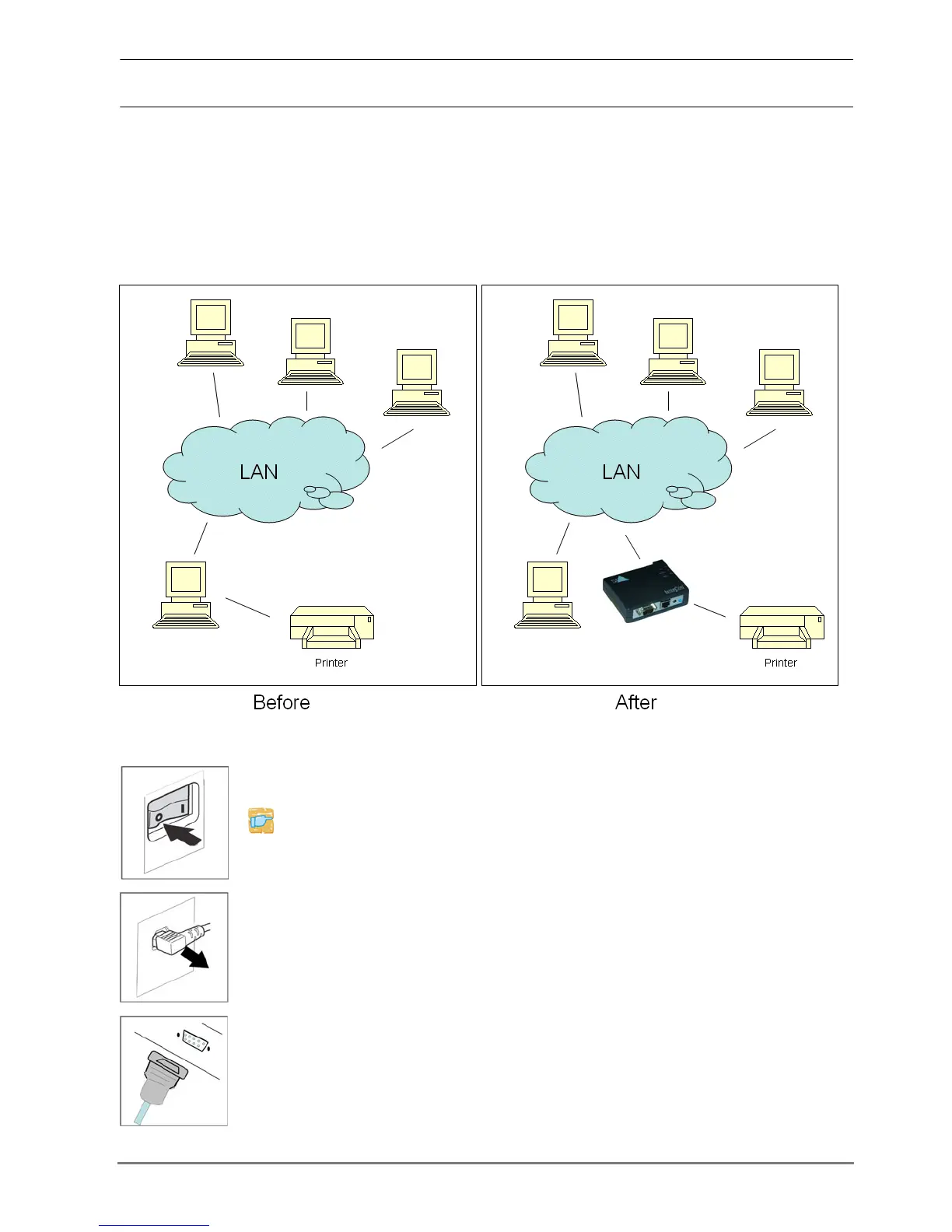
The print server allows printers and plotters to be connected to the network via
the serial interface.
Integrate the print server in the network
Print Server
Connect the print server to the printer
Proceed as follows:
1. Turn the printer off.
2. Disconnect the printer's power cord.
3. Remove the data cable (DB9) connecting the printer to the
computer.
4. Connect the data cable (DB9) to the print server.



 To Next Page