Y
15
TECHNICAL GUIDE
Cal. 4F32A, 8F32A, 8F33A, 8F35A
5. Set the date. (D)
Contact the “ D” term inal and the (+) surface of the battery with conductive tweezers to activate the date
setting m ode. “ 1” appears in the calendar fram e. Then, contact the tw o portions repeatedly w ith
tw eezers until the current date appears in the calendar frame.
Notes:
* The date dial only advances and w ill not turn back in the date setting mode.
* If any data has already been input before the date setting mode is activated, a numeral other than “ 1”
may appear in the calendar fram e.
● How to check the calendar
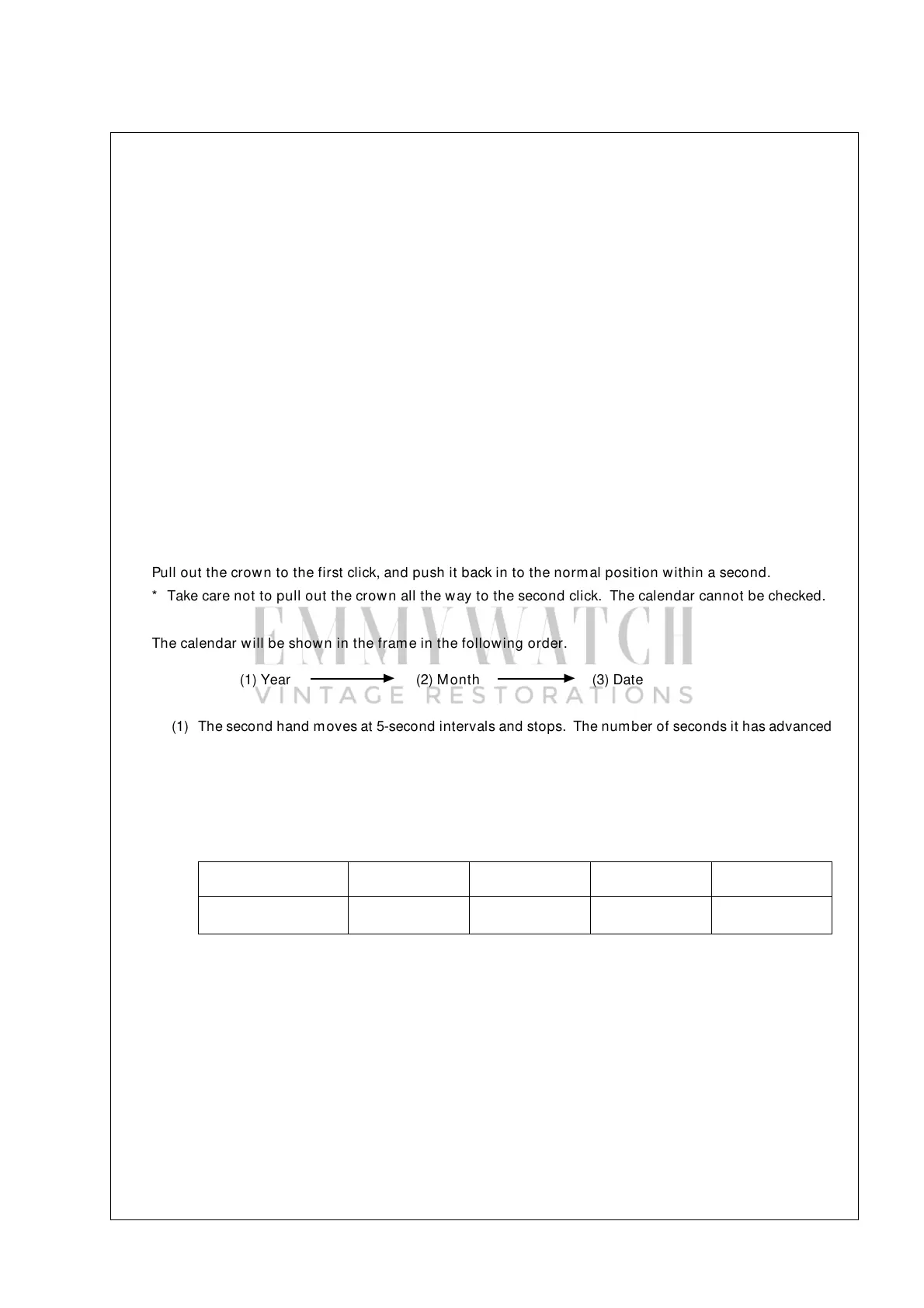
Pull out the crow n to the first click, and push it back in to the norm al position w ithin a second.
* Take care not to pull out the crow n all the way to the second click. The calendar cannot be checked.
The calendar will be show n in the fram e in the follow ing order.
(1) Year (2) Month (3) Date
▲
▲
(1) The second hand m oves at 5-second intervals and stops. The number of seconds it has advanced
indicates the num ber of years that have passed since the last leap year. Five seconds correspond
to one year.
* Before pulling out the crow n to the first click, check and remember where the second hand is so
that you can read how m any seconds it has advanced.
* If the second hand has advanced 20 seconds (four tim es of five seconds), the current year is the
leap year.
Quick movement of
the second hand
Number of years since
the last leap years
5 seconds 10 seconds 15 seconds 20 seconds
1 year 2 years 3 years 4 years (leap year)
(2) After the second hand indicates the num ber of years since the last leap year, the num eral in the
calendar frame changes to indicate the current m onth for five seconds.
(3) After the current month is shown, the current date is indicated in the calendar frame.
* When the month and date are represented by the same numeral as in the case of “ January 1st” ,
“ February 2nd” and so on, the numeral in the calendar frame quickly advances and moves back
by one to indicate that the m onth and date numerals are identical.
(4) After the current date is shown, the second hand quickly moves to catch up with the current second
and starts moving at norm al one-second intervals thereafter.
(5) If the calendar is correctly set as you intended, set the desired tim e.
6. Check if the day dial is reset to “ 1” .
Contact the “ ø” term inal and the (+) surface of the battery w ith conductive tweezers once to check that
“ 1” appears in the calendar fram e. If not, repeat the procedure again starting from step “ 2” above.
7. Push back the crown in to the normal position, and check if the number of years since the last leap years,
month and date are correctly set. (See “ How to check the calendar” below )


 To Next Page
 Loading...