How To Turn Off Your Selfie Wireless
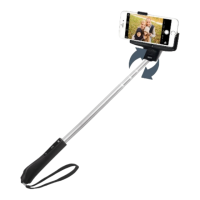
1. Press and hold the power button on the
handle for 10 seconds. The blue LED light
above the power button will flash to signify
that your Selfie Wireless has turned off.
If you have any other questions regarding Selfie Wireless, please do not hesitate to
contact us at support@selfiewireless.com
SELFIE WIRELESS 6


 To Previous Page