EasyManua.ls Logo

Sencor SLE 1955M4 - Page 8

Sencor SLE 1955M4
36 pages
Print Icon
To Next Page IconTo Next Page
To Previous Page IconTo Previous Page
Loading...
Important
safety
instructions
AN
ATTENTION
To
prevent
a
fire
hazard
or
injury
by
electrical
shock,
do
not
expose
this
device
to
rain
or
humidity.
AN
ATTENTION
Batteries
must
not
be
exposed
to
excessive
heat,
for
example
sunlight,
fire,
etc.
Supplement
to
the
LCD
screen
user's
manual
SENCO
®
Warning
about
displaying
static
images,
red/blue/
green
pixels
on
the
screen.
Displaying
a
static
image
may
cause
permanent
damage
to
the
LCD
panel.
-
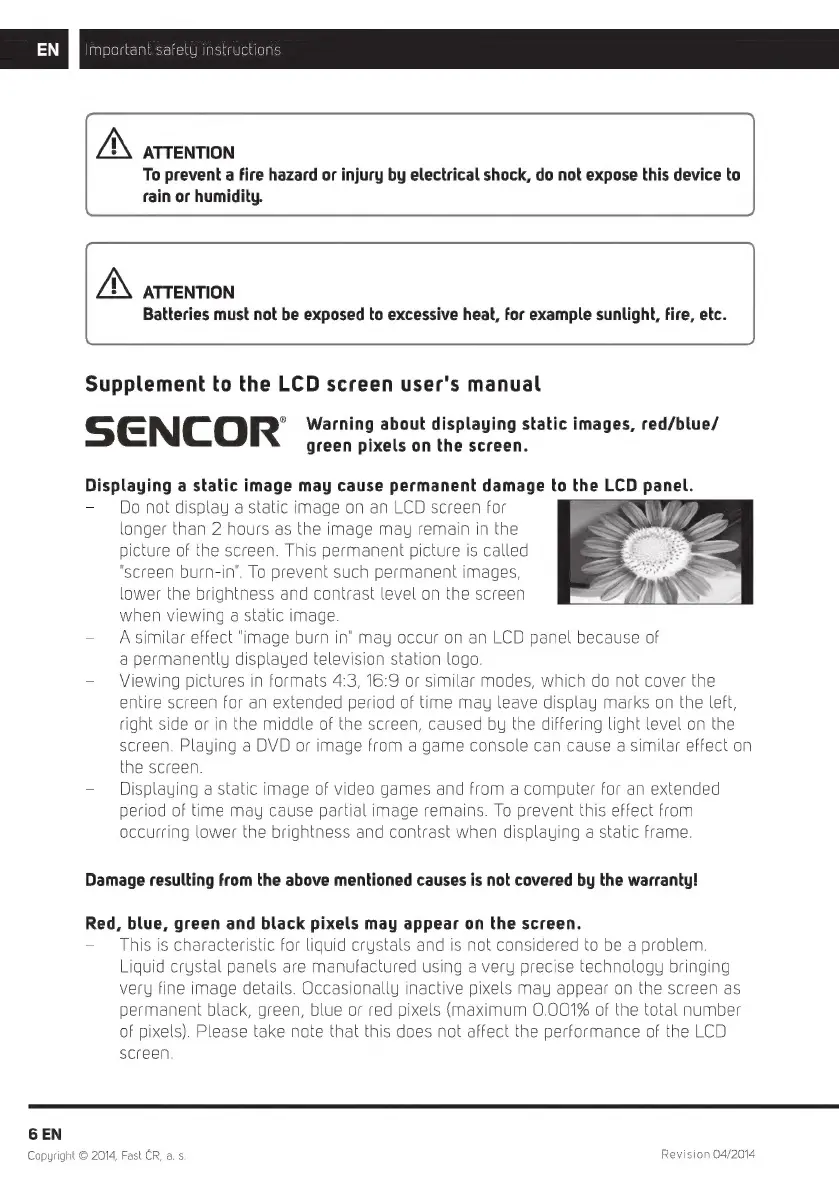
Do
not
display
a
static
image
on an
LCD
screen
for
longer
than
2
hours
as
the
image
may
remain
in
the
picture
of
the
screen.
This
permanent
picture
is
called
"screen
burn-in".
To
prevent
such
permanent
images,
lower
the
brightness
and
contrast
level
on
the
screen
when
viewing
a
static
image.
-
Asimilar
effect
"image
burn
in"
may
occur
on an
LCD
panel
because
of
a
permanently
displayed
television
station
logo.
Viewing
pictures
in
formats
4:3,
16:9
or
similar
modes,
which
do
not
cover
the
entire
screen
for
an
extended
period
of
time
may
leave
display
marks
on
the
left,
right
side
or
in
the
middle
of
the
screen,
caused
by
the
differing
light
level
on
the
screen.
Playing
a
DVD
or
image
from
a
game
console
can
cause
a
similar
effect
on
the
screen.
-
Displauing
a
static
image
of
video
games
and
from
a
computer
for
an
extended
period
of
time
may
cause
partial
image
remains.
To
prevent
this
effect
from
occurring
lower
the
brightness
and
contrast
when
displauing
a
static
frame.
Damage
resulting
from
the
above
mentioned
causes
is
not
covered
by
the
warranty!
Red,
blue,
green
and
black
pixels
may
appear
on
the
screen.
This
is
characteristic
for
liquid
crystals
and
is
not
considered
to
be
a
problem.
Liquid
crystal
panels
are
manufactured
using
a
very
precise
technology
bringing
very
fine
image
details.
Occasionally
inactive
pixels
may
appear
on
the
screen
as
permanent
black,
green,
blue
or
red
pixels
(maximum
0.001%
of
the
total
number
of
pixels).
Please
take
note
that
this
does
not
affect
the
performance
of
the
LCD
screen.
6
EN
Copyright
©
2014,
Fast
CR,
a. s.
Revision
04/2014

Related product manuals