EN 9
EN
03/2016
2016
Operation
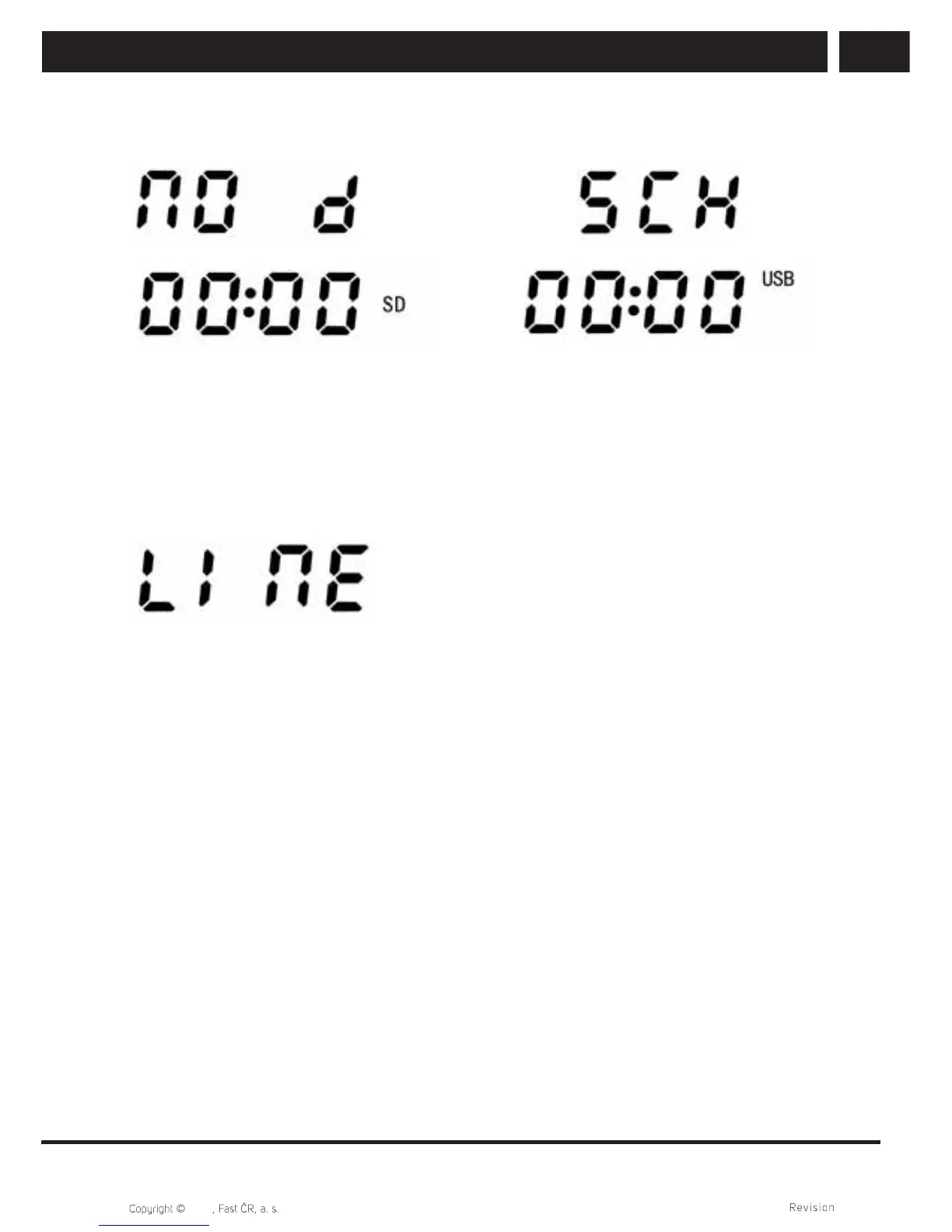
Without a microSD card or USB disk, the text "NO d" will be shown when switching
inputs; and the device will switch to another available source.
3.4.4. AUX LINE-IN input
1. Connect one end of the audio cable to the "AUX" socket on the side of the device and
the other to the MP3 player, computer or other audio device. The device will switch to
the AUX source and "LINE" will be shown on the display.
2. Set a suitable volume using the volume buttons.



 To Next Page