EN 7
EN
03/2016
2016
Operation
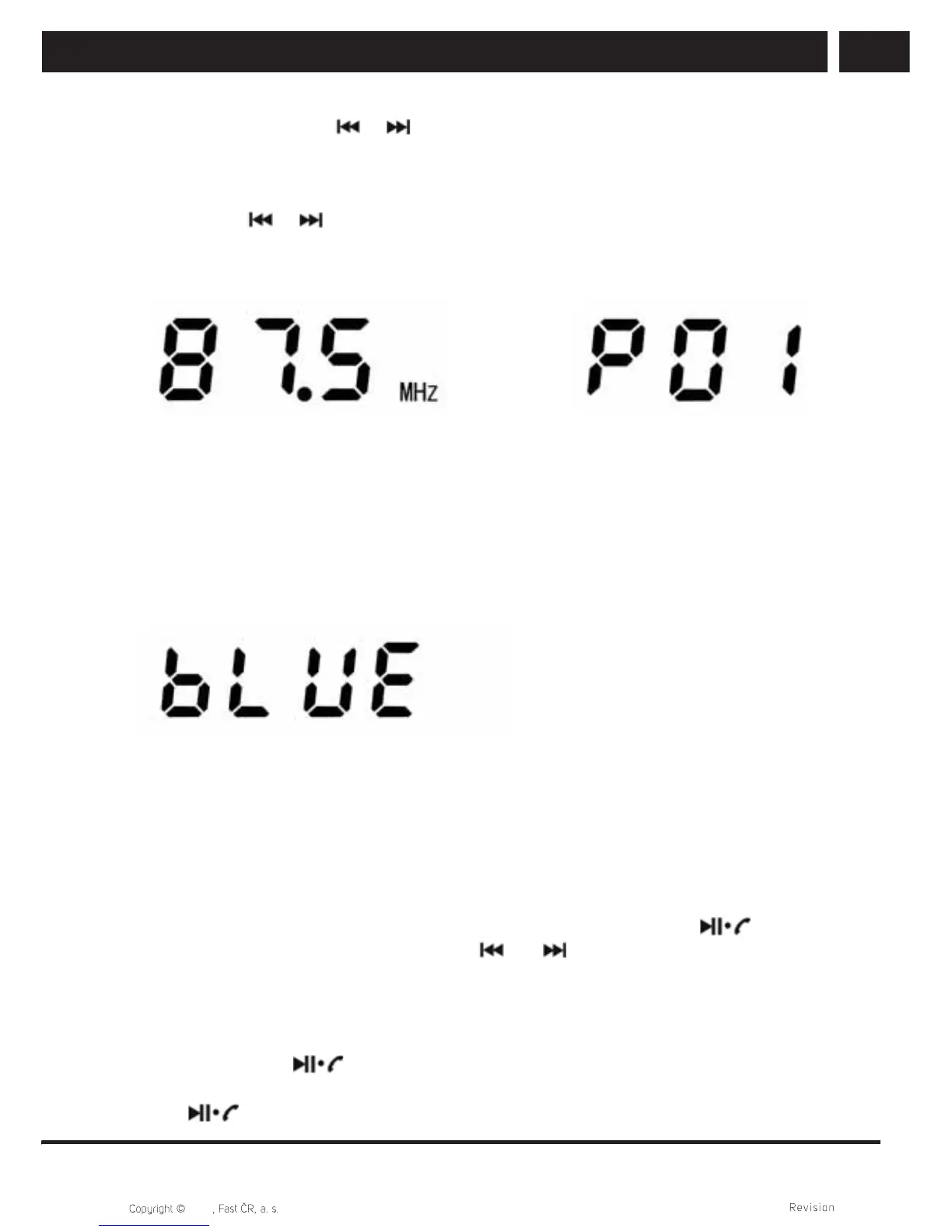
3. Short press the button or to manually change the reception frequency by 0.1
MHz in the given direction (up/down) and set your desired station manually. Long
press the button to start a semi-automatic radio station scan in the direction from the
lowest to the highest frequency
4. Long press or to start scanning a band for the presence of a radio station
signal in the given direction (up/down). When a suffi cient signal is found, the scan
stops and the station is played. In the case of a radio station that is already stored in
memory, its memory position is shown briefl y.
3.4.2. Bluetooth (BT)
The device is equipped with a Bluetooth interface for transferring music and phone calls.
Even when the range is in a calm, uninterrupted environment up to several dozen metres,
do not exceed a distance of only few metres between the Bluetooth devices as this will
prevent signal loss caused by random interference to wireless transmission.
1. Short press the MODE button and enter Bluetooth mode. The text "BLUE" will appear
on the display, you will hear a sound signal. Then search for the Bluetooth device.
2. Turn on your Bluetooth device (BT source, e.g. mobile phone/tablet/computer), use it
to search for nearby devices and after fi nding it, pair it with "DY25L". Upon successful
connection, you will hear a voice confi rmation of the connection. You may then
continue using the device in two wireless modes:
a) Multimedia speaker
The device reproduces music played from a BT source. Set the appropriate
volume on the device and on the BT source. If supported by the BT source, it is
possible to control it from this device, namely pause and play (the button)
and skipping between tracks (buttons and ).
b) Handsfree Bluetooth mode (phone)
The connected phone will start ringing according to its setting also in this device
and the display will show "C IN" (Call Incoming). You can accept the call by
pressing the button (Display will show "C HF"), talk into the area of the
display from a short distance. You can then hang up the call by short pressing the
button.



 To Next Page