Features
• Door opened or door closed status are reported to Sengled home app, and
home hub display, as well as web portal
• Report the current battery remaining capacity.
• Zigbee Alliance certified.
Package Includes
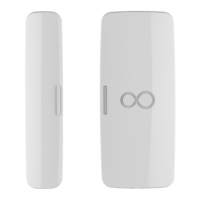
• Two E1D-G73 smart door sensors
• User manual and user guide
Product Specifications
• Power: Battery Li+ CR1632
• Input: 3V dc, Li+
• Installation method: paste on the door or window surface close to opening or
closing edge
• Size: 21mm (10mm)* 49mm* 12mm / 0.83(0.39) in* 1.93in * 0.47in
• Operating Temperature: 5℃ ~ +40℃ / 41℉ ~ 104 ℉
• Operating Humidity: 0 RH 95%, non-condensing
• Wireless zigbee 3.0, 2.4GHz (2402~2482MHz,802.11b/g/n).
Installation Instructions
Adding the sengled door sensor to any smart home hub involves the following
steps:
Step 1: Download the Sengled Home App.
Step 2: Register and sign-in to your Sengled account in the app.
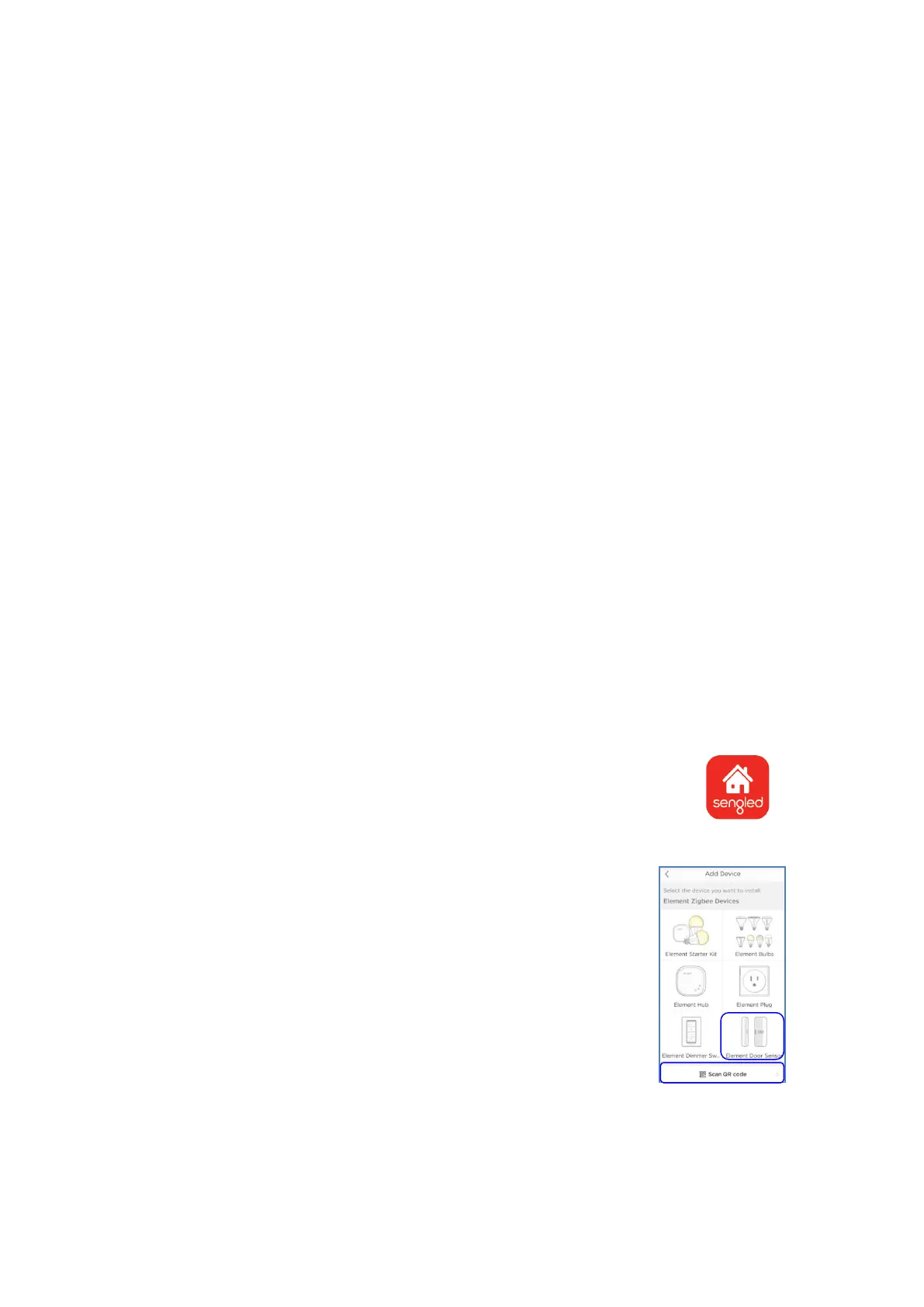
Step 3: Open the Sengled Home App, go to Devices and use
"+" choose icon "A. Element Door Sensor" then scan QR
code to add sensors, or choose icon "B. scan QR code " to
add your Door Sensors directly.
If you don't have a hub in your account, you should add a hub
firstly. If you have other brand hub, you can refer to the item
"Installation Instructions Using a Third-party hub".
Step 4: Remove to the power isolation tab found in the door
sensor, the red LED indicator in the door sensor will flash
twice to indicator to be in pairing mode.
Note: There will be only 1min in pairing mode after removing the power isolation
tab.


 To Next Page
 Loading...