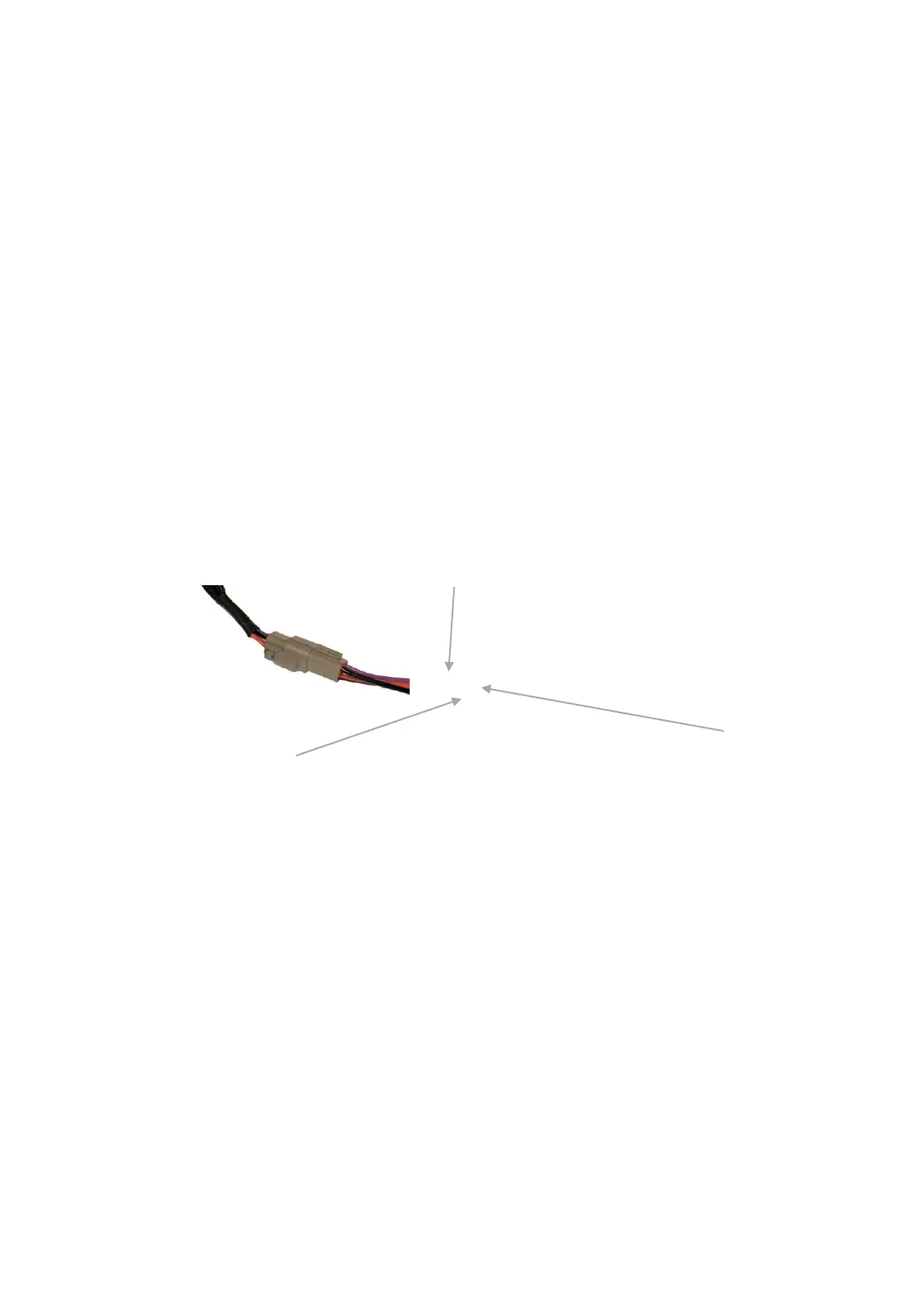
Hard Wired, Constant Powered
• Power the Sentinel 300 using the supplied adaptor. Connect the RED (Pin 1)
and PURPLE (Pin 3) wire to 12V +VE (Minimum 10 Amp Supply) Connect the
Black (pin 2) to 12V -VE. Cut and extend the existing Cigarette Lighter
adaptor or purchase additional Deutsh connector.
• The unit is turned ON/OFF via the power button on the front panel.
2.Timer Operated:
Leave Sentinel 300 unit’s power button on (depressed). The unit will now
automatically start with a 12V +VE from Switch source and run for 60 Minutes after
the Switch power is disconnected.
• To enable the timer function, connect the units supply power:
Pin (3) PURPLE 12V +VE Switch (suggest vehicle ignition supply)
Pin (1) RED 12V +VE 10 Amp BATTERY Supply
Pin (2) BLACK 12V -VE
3. Operation
• Leave Sentinel 300 unit’s power button on (depressed).
• The unit will now automatically start with a 12V +VE from Switch source and
run for 60 Minutes after the Switch power is disconnected.



 To Next Page