function.
Automatic scrolling using the navigation keys
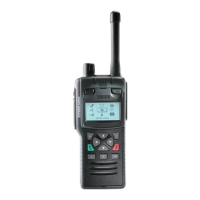
To scroll a list quickly, press and hold the Up or Down navigation key.
Making a phone call
Instead of using the context keys to initiate and end a call, use the
Select/Send key to make a call and the Cancel/Home key to end the call.
View recent calls
To view recent calls, from the Home screen press Menu > Phone > Call
History.
50
SC21 Series – 10/2017



 To Next Page
 Loading...