Setting the clock
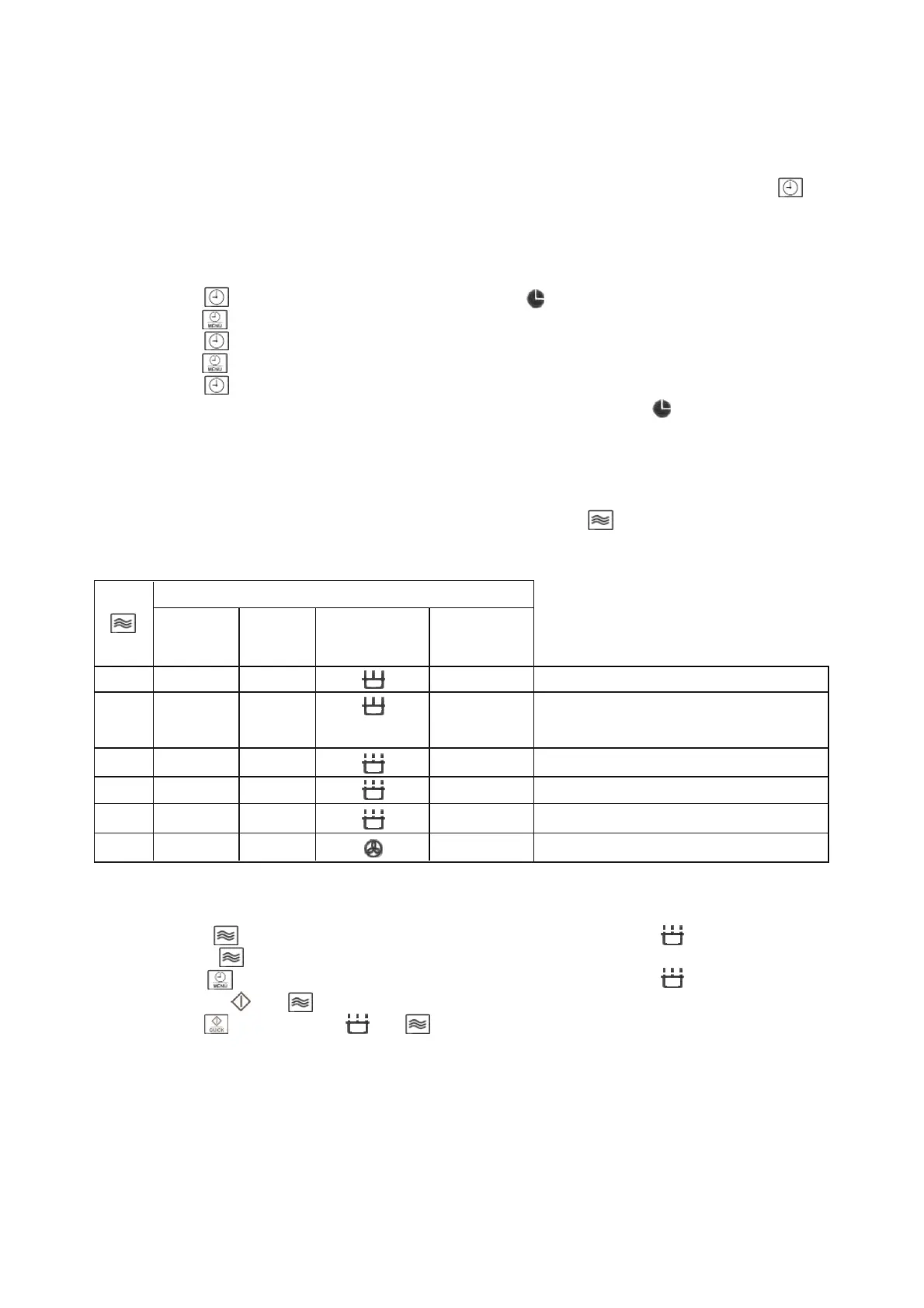
The clock uses a 12-hour display format. Once the unit has been connected to the power
supply, the display shows 1:01.
While a programme sequence is running, the present time can be called up by pressing .
The clock must be set when the appliance is connected for the first time, and also if a power
failure has reset the clock.
Example: the time to be set is 15:25.
1. Press . The hour digits are displayed. (1: ). starts blinking on the display.
2. Turn , until the present hour is displayed. (3: )
3. Press . The minute digits are displayed. (3:01)
4. Turn , until the present minutes are displayed. (3:25)
5. Press to confirm.
The time is now set and the display shows 3:25 and the symbol .
The microwave function
To programme the unit for cooking, the correct mode (microwave), the required power
setting and the cooking time must be selected, before the programme sequence can be
started. The power setting is selected by repeatedly pressing . The cooking time can be
pre-set to a maximum of 60 minutes. The power setting is shown in %.
Power settings
Power Display Symbol (in Type
(P) Display)
1 x 800W 100 % High Heating up liquids, cooking
2 x 640W 80 % Medium Defrosting and heating up deep-frozen
high dishes
3 x 480W 60 % Medium Cooking delicate food
4 x 320W 40 % Defrosting Defrosting
5 x 160W 20 % Low Defrosting delicate food
6 x 0W 00 % Egg timer function
Example: to programme the microwave function for a cooking time of 5 minutes at 60%
power.
1. Press 3 times. The display shows 60 % and the symbol . In addition, the
symbol starts blinking.
2. Turn clockwise, until the display shows 5:00. The symbol lights up and the
symbols and start blinking.
3. Press . The symbols and appear on the display.
Note: With the power set at 0%, the appliance can be used as an egg timer. (See "Egg
timer" section for details).
22


 To Next Page