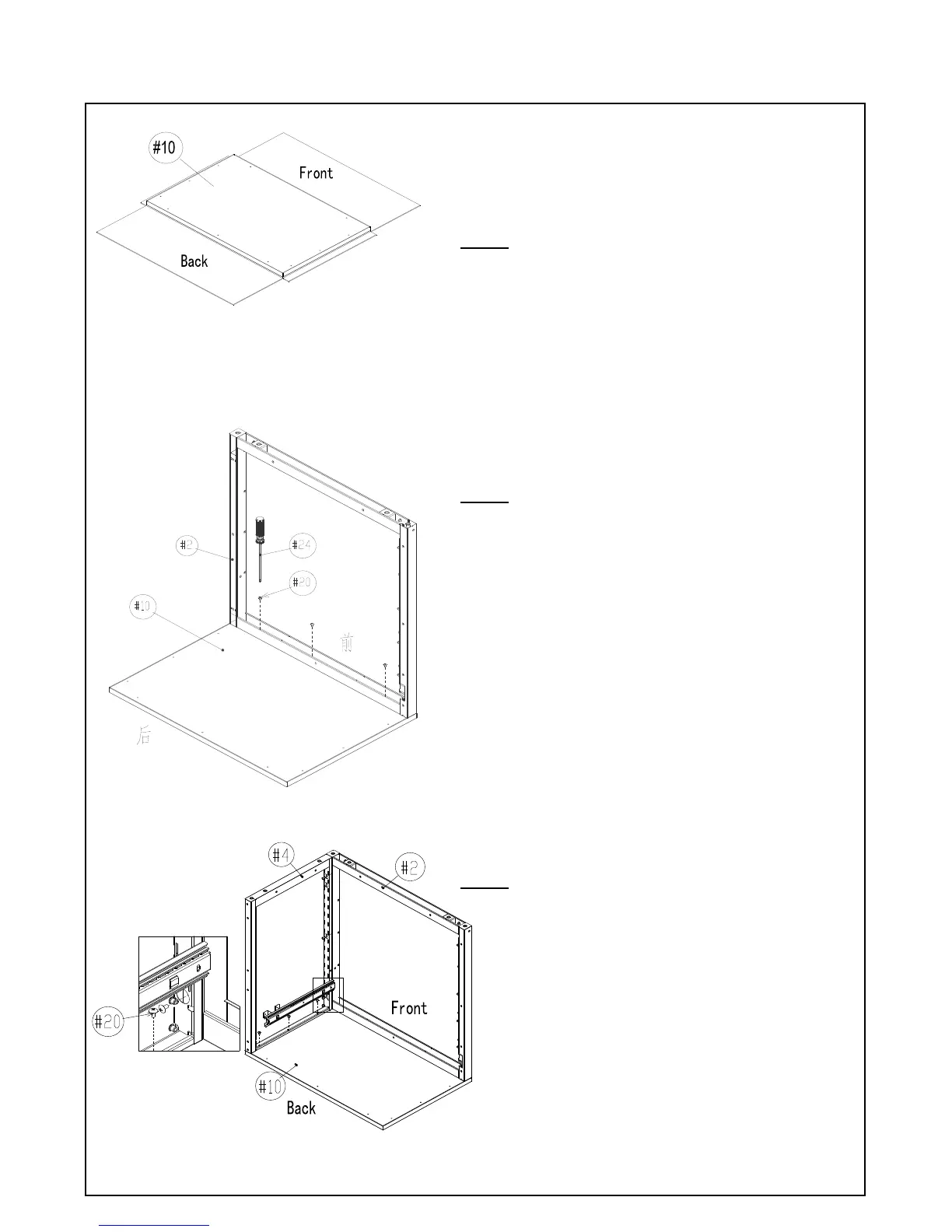
Locate the Front Frame (#2) and attach to the "Front"
of the Stainless Steel Top (#10) using Screw Driver
(#24) and Screw A (#20).
Note: The screw holes have some tolerance so make
sure that the top and sides of the Front Frame are
flushed with the Stainless Steel Top – this may save
time by avoiding having to make slight adjustments
later.
Install the Left Panel (#4)
Attach the Left Panel (#4) to Front Frame (#2) and
Stainless Steel Top (#10). Make sure the “Top” of the
Left Panel (#4) is on the Stainless Steel Top (#10) and
the screw holes are lined up to the Front Frame (#2).
Use Screw Driver (#24) and Screw A (#20) to tighten
the Left Panel (#4) to the Front Frame (#2) and
Stainless Steel Top (#10).
ASSEMBLY INSTRUCTIONS (pg 8 of 16)
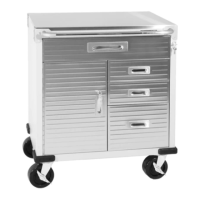
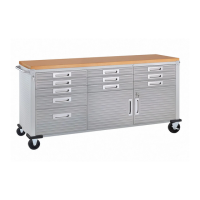
UltraHD Rolling Cabinet (Model No. 20185)
A magnetic screwdriver is included for your
convenience. If a power screwdriver is used, keep on
a low torque setting.
Open the package, remove and place all parts to the
side. Then open the package of the Stainless Steel Top
(#10).
Note: The Stainless Steel Top is packed within an
inner cardboard box. Assemble on top of the
cardboard to help avoid scratching the stainless steel
top.


 To Next Page
 Loading...