6
P O
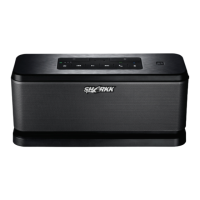
NFC Area
• Hold your device over this icon to use NFC for Bluetooth connection.
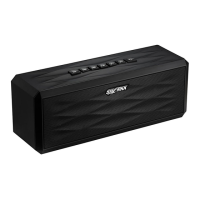
M(ode) Button*
• Use this button to toggle between Bluetooth/AUX/Micro SD modes.
Prev
• Use this button to navigate to the previous track.
• Press and hold to rewind.
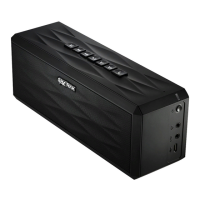
*Note:
when connecting an AUX cable or SD Card, the speaker will automatically enter the cor-
rect mode, provided that only one mode of connection is in use. If there are multiple connections,
the speaker will default to Bluetooth mode, and you can toggle between modes using the M button.
1
2
3


 To Next Page