8
P O
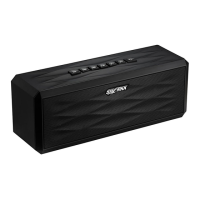
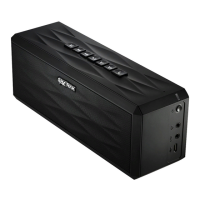
AUX/Micro SD Indicator
• Red: Device is in AUX mode.
• Green: Device is in Micro SD mode.
V(olume)-
• Decrease Volume.
V(olume)+
• Increase Volume.
• A beeping sound will alert you when you have reached maximum volume.
Phone Button
• When connected via Bluetooth, press and hold to activate Siri or S-Voice.
• Incoming Call: press once to answer, press and hold to reject/end call.
9
10
8
7


 To Next Page