25VT-K100
25VT-CK10
16
Vertical-size adjustment
1. Have unit receive a good local channel.
2. Enter the service mode and select service
adjustment “V-AMP”.
3. While observing the top and bottom of the screen,
adjust “V-AMP” data value to proper vertical size and
linearity.
Horizontal position adjustment
1. Have unit receive a good local channel.
2. Enter the service mode and select service adjustment
“H-PHASE”.
3. Adjust “H-PHASE” data value so that picture is
centered.
Caption position adjustment (hori-
zontal)
1. Have unit receive a good local channel.
2. Enter the service mode and select service adjustment
“TEXT POSITION”.
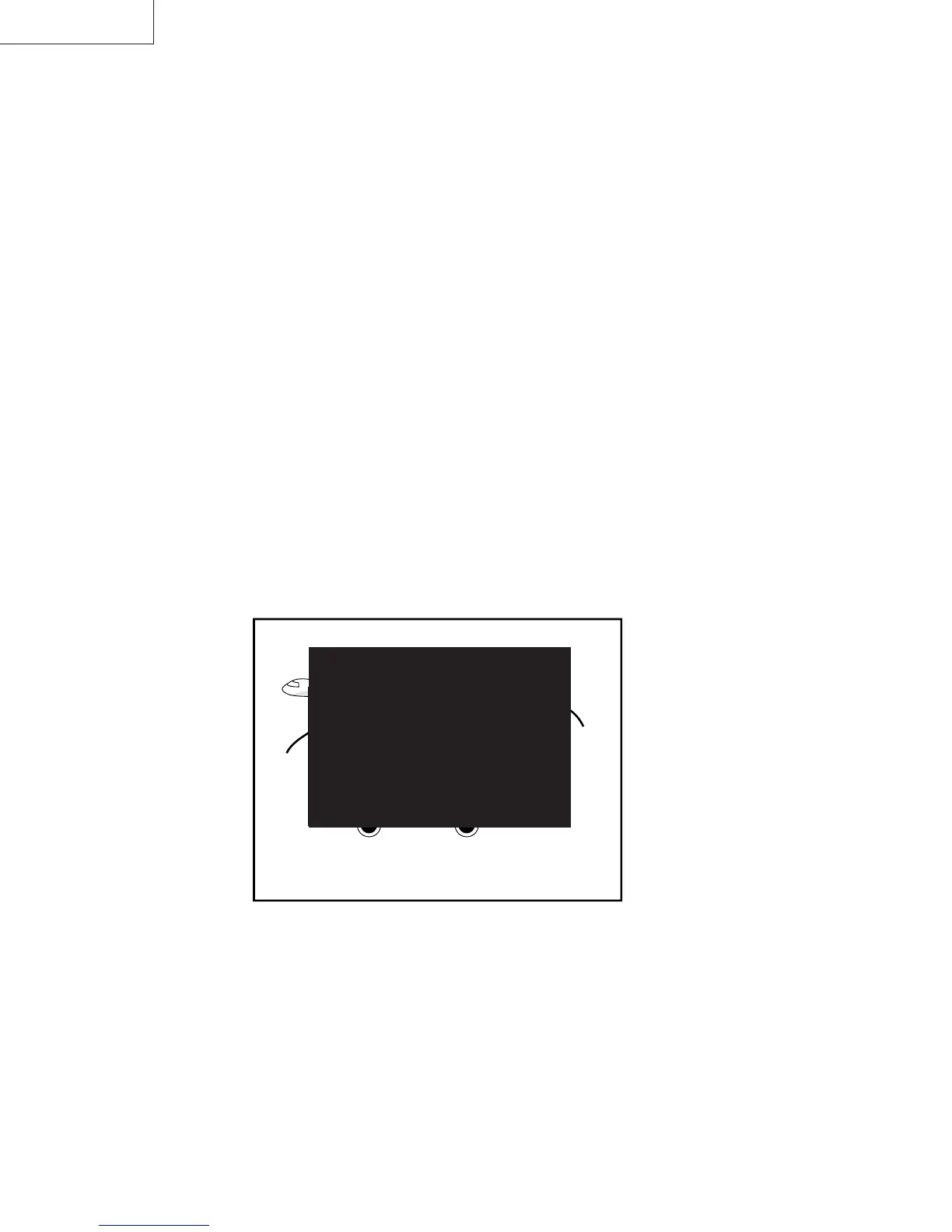
3. A black text box appears on the screen (see
Figure B.) .
4. Adjust “TEXT POSITION” data value so that text box
is positioned in the center of the screen.
Figure B.



 To Next Page