EasyManua.ls Logo

Sharp FDD-412A - Page 78

Sharp FDD-412A
119 pages
Print Icon
To Next Page IconTo Next Page
To Previous Page IconTo Previous Page
Loading...
FDD412A/B
(2)
(3)
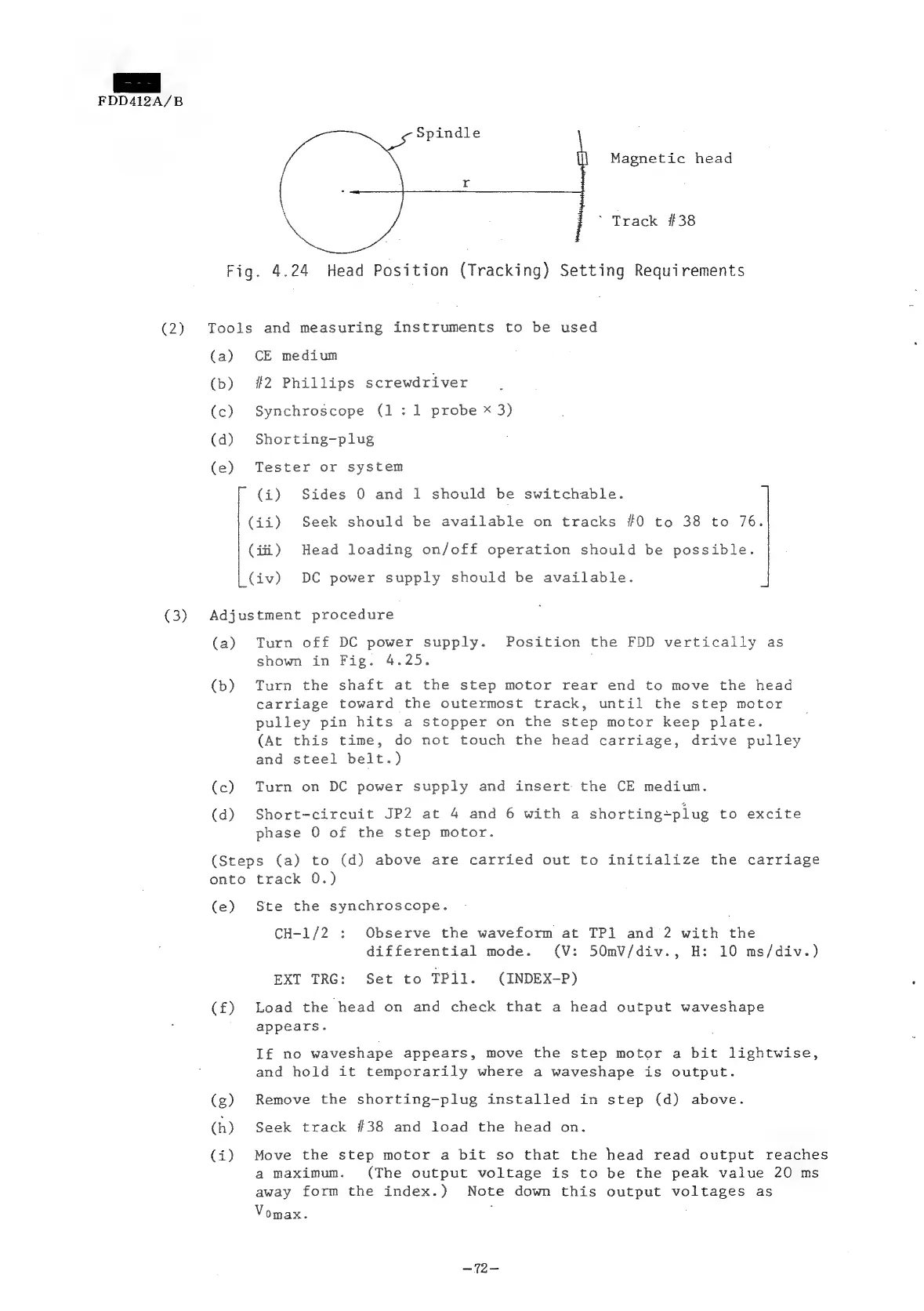
Magnetic
head
~
Track
#38
Fig.
4.24
Head
Position
(Tracking)
Setting
Requirements
Tools
and
measuring
instruments
to
be
used
(a)
CE
medium
(b)
#2
Phillips
screwdriver
(c)
Synchroscope
(1:1
probe
x
3)
(d)
Shorting-plug
(e)
Tester
or
system
(i)
Sides
0
and
1
should
be
switchable.
(ii)
Seek
should
be
available
on
tracks
#0
to
38
to
76.
(iti)
Head
loading
on/off
operation
should
be
possible.
(iv)
DC
power
supply
should
be
available.
Adjustment
procedure
(a)
Turn
off
DC
power
supply.
Position
the
FDD
vertically
as
shown
in
Fig.
4.25.
(b)
Turn
the
shaft
at
the
step
motor
rear
end
to
move
the
head
carriage
toward
the
outermost
track,
until
the
step
motor
pulley
pin
hits
a
stopper
on
the
step
motor
keep
plate.
(At
this
time,
do
not
touch
the
head
carriage,
drive
pulley
and
steel
belt.)
(c)
Turn
on
DC
power
supply
and
insert
the
CE
medium.
(d)
Short-circuit
JP2
at
4
and
6
with
a
shorting~plug
to
excite
phase
0
of
the
step
motor.
(Steps
(a)
to
(d)
above
are
carried
out
to
initialize
the
carriage
onto
track
0.)
(e)
Ste
the
synchroscope.
CH-1/2
:
Observe
the
waveform
at
TP1
and
2
with
the
differential
mode.
(V:
50mV/div.,
H:
10
ms/div.)
EXT
TRG:
Set
to
TPil.
(INDEX-P)
(£)
Load
the
head
on
and
check
that
a
head
output
waveshape
;
appears.
If
no
waveshape
appears,
move
the
step
motor
a
bit
lightwise,
and
hold
it
temporarily
where
a
waveshape
is
output.
(g)
Remove
the
shorting-plug
installed
in
step
(d)
above.
(h)
Seek
track
#38
and
load
the
head
on.
(i)
Move
the
step
motor
a
bit
so
that
the
head
read
output
reaches
a
maximum.
(The
output
voltage
is
to
be
the
peak
value
20
ms
away
form
the
index.)
Note
down
this
output
voltages
as
Vomax.
—~72—