Page - 11 -
2. Sort channels manually
When during the display of a channel you press the „OK“ button on the
remote control,
on the right edge of the screen a list of automatically sorted channels will
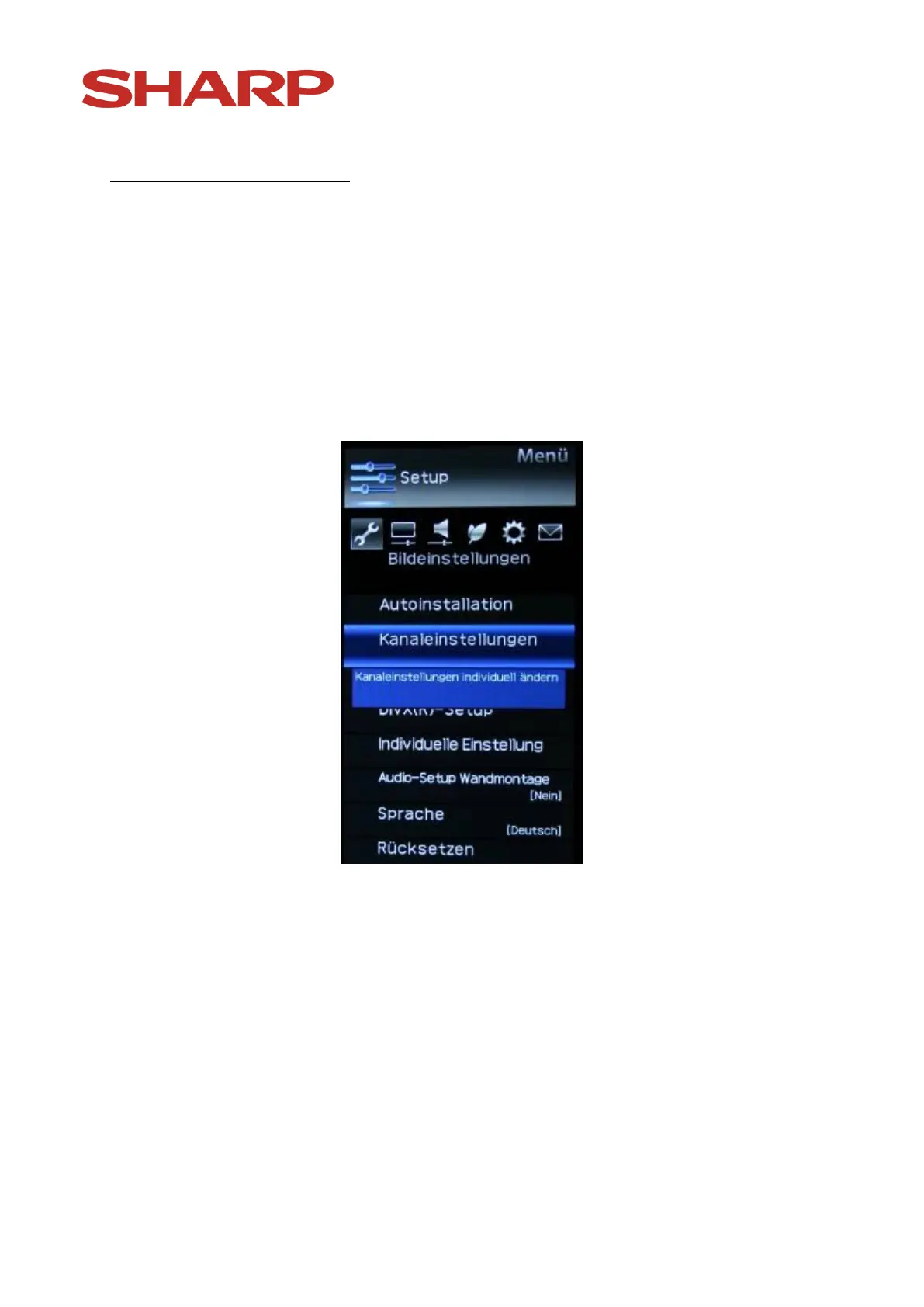
appear. If you want to change the sequence of channels, it is posible by using
the menu, „Set up“ and the point „Channel settings“. See the following
image:
Confirm your choice with the „OK “-button on the remote control.
Now you will see the following:


 To Next Page