- 2 -
INTRODUCTION
Virtual Pong by Sharper Image is the fast-paced, futuristic game that keeps players on their toes
with a simulated “ball of light” that bounces off the walls. Use your electronic “racquet” to face off
against an opponent, or play solo against the Console. The first one to 11 wins.
FEATURES
• Easy to set up and play
• For 1 or 2 players
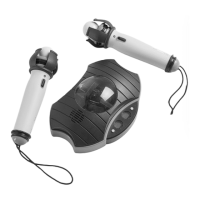
• Includes 2 racquets and Console
• New: voice scoring
• Ages 6+
BATTERY INSTALLATION
• Ask an adult for help installing batteries.
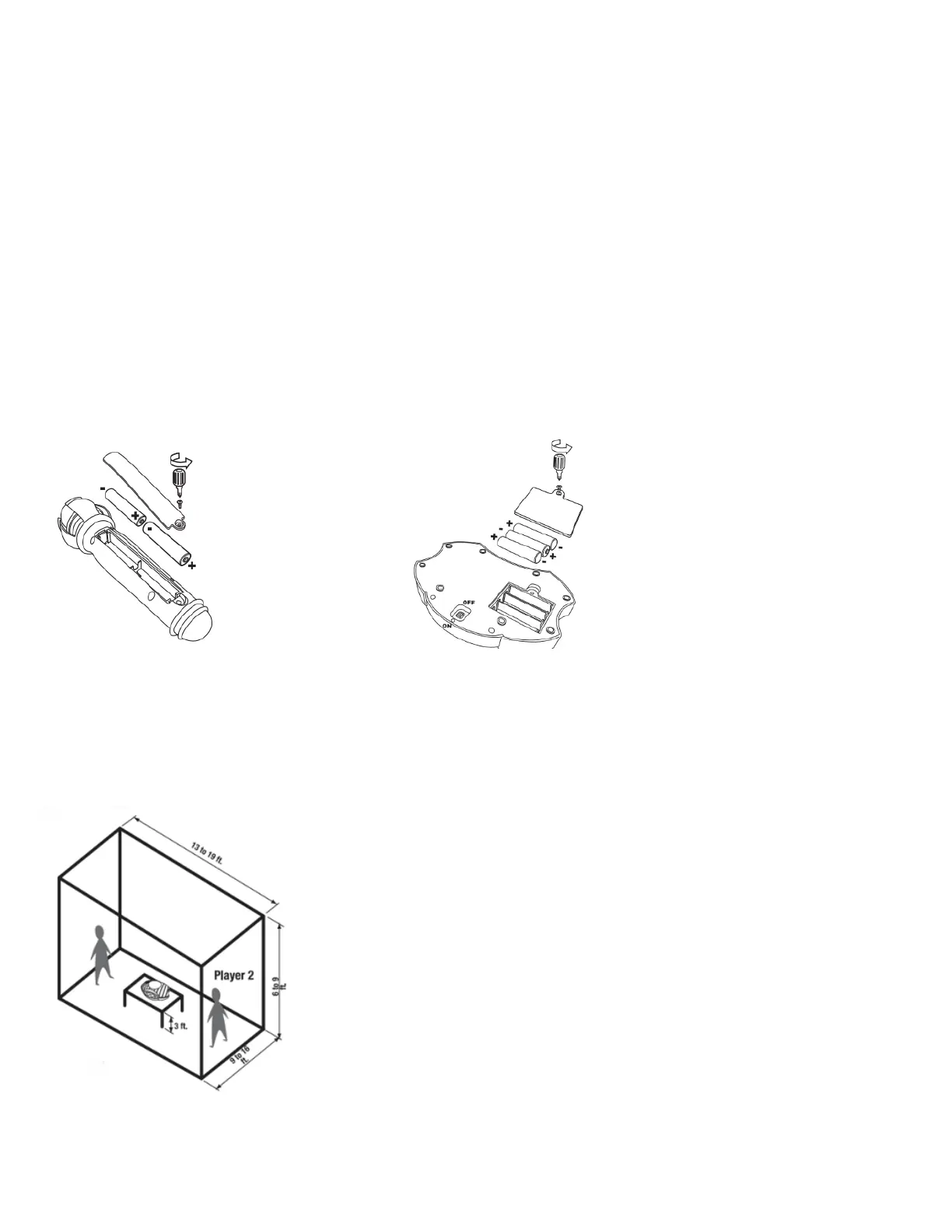
• Racquets require 2 AA batteries each.
• The Console requires 3 AA batteries.
• Be sure to insert the batteries in the correct direction as shown in the diagrams below.
GETTING STARTED
• Place your wrist into the strap on the racquet to hold it in place. This is for safety.
• Place the Console in the middle of a darkened room, on a table or chair that is approximately 3 feet
above the floor. The ideal playing area is 13 to 19 feet long, 9 to 6 feet wide and 72” to 98” high. See
diagram below.
• Turn the Power switch (located on the bottom of the Console) to ON.
NOTE: Ceilings that are higher than 98” may affect the definition of the projected light ball. For high
ceilings, elevate the Console so that it is 72” to 98” away from the ceiling.


 To Next Page