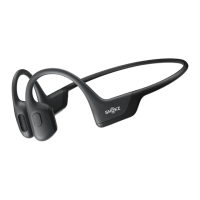
Multifunction Button
LED light
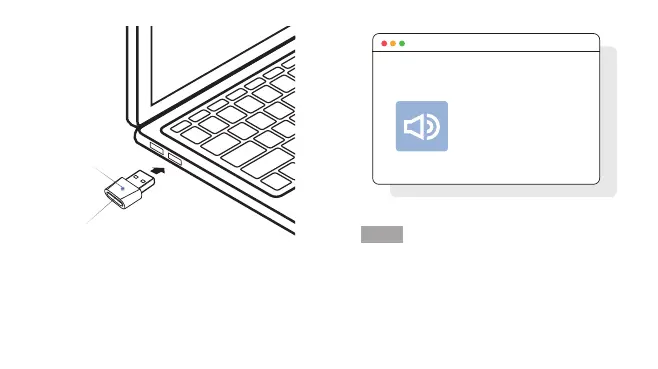
2. Plug the USB adapter into a USB port on your PC.
The LED will flash blue rapidly.
3. Connection is established when Audrey says
"Connected" or beeps, and the LED on the USB adapter
is solid blue.
Shokz Loop100
已连接
选择声音设备:
当需要在耳机上播放音乐或接打语音电话时,您需要在电脑
操作系统的声音设置中,选择“Shokz Loop100”作为
默认的声音输入和输出设备。
设置
2 51



 To Next Page