E N
Nome file:
7528001 - ISTRUZIONI WP - IT-EN-ES-FR-DE-NL-ES Rev. 0 05/10/2015
35-102
7.2.1.1 Timer settings.
Proceed as follows:
1. Turn the product off by pressing the ON/OFF button.
2. Press TIMER to select the operating time (2, 4, 6, 8, 10, 12, 16, 24
operating hours).
3. Press the ON/OFF button to turn the product on.
Example: set 8 operating hours, if the product is turned on at 8 AM: the
product will operate until 4 PM. Over the next days, the product will turn on
every day at 8 AM and run until 4 PM.
8 Routine, scheduled and extraordinary maintenance.
Before proceeding with any maintenance activity, remember to disconnect
the power plug from the power outlet, and not to put your hands in the water if
the product is turned on.
Do not lubricate and/or use detergents and/or chemical products to clean
the product.
All extraordinary maintenance (replacement of supply cord, etc.) must be
carried out by specialised technicians.
Replace any damaged and/or worn components as quickly as possible; use
only original spare parts. For this purpose, please consult the “Retail and
spare parts and relevant documentation”.
For regular control:
•
Check that the mechanical parts are tightly secured and check the
condition of the screws supporting the product.
•
Check that the power cord and isolating parts are in their correct position,
are secure and in a good state of repair.
•
Check the temperature of the product and the electric motor. In the event of
a fault, stop the product immediately and contact specialised technicians.
•
Check for product vibrations. In the event of a fault, stop the machine
immediately and contact specialised technicians.
8.1 Routine maintenance.
To be performed at least once a year, or more frequently if necessary.
Product components that, due to their normal use, suffer wear and/or tear
must be regularly replaced to ensure good product performance. The
following table shows the perishables and/or consumables used in the product
and their estimated working life.
O rings and general seals
1 year
Mechanical seal
1 year
Bearing
1 year
Battery 1 year
Tab. 6
8.2 Extraordinary maintenance.
Extraordinary product maintenance must be performed by a specialised technicians.
This consists in replacing worn or damaged parts (power cord, bearing, rotor, impeller, etc.).
9 Troubleshooting.
P
ROBLEM
C
AUSE
1
S
OLUTION
2
S
OLUTION
1. The product does not
work.
No or insufficient power
supply.
Check the power supply.
Contact specialised
technicians.
2. The product does not
work.
The power plug is not
correctly inserted in the
power outlet.
Firmly insert the power
plug in the power outlet.
Contact specialised
technicians.
3. The product does not
work.
Hydraulic components
clogged or bent.
Clean and adjust
hydraulic components.
Contact specialised
technicians.
4. The product does not
work.
The thermal protector
has been triggered.
Wait until the product
(blower) cools.
Contact specialised
technicians.
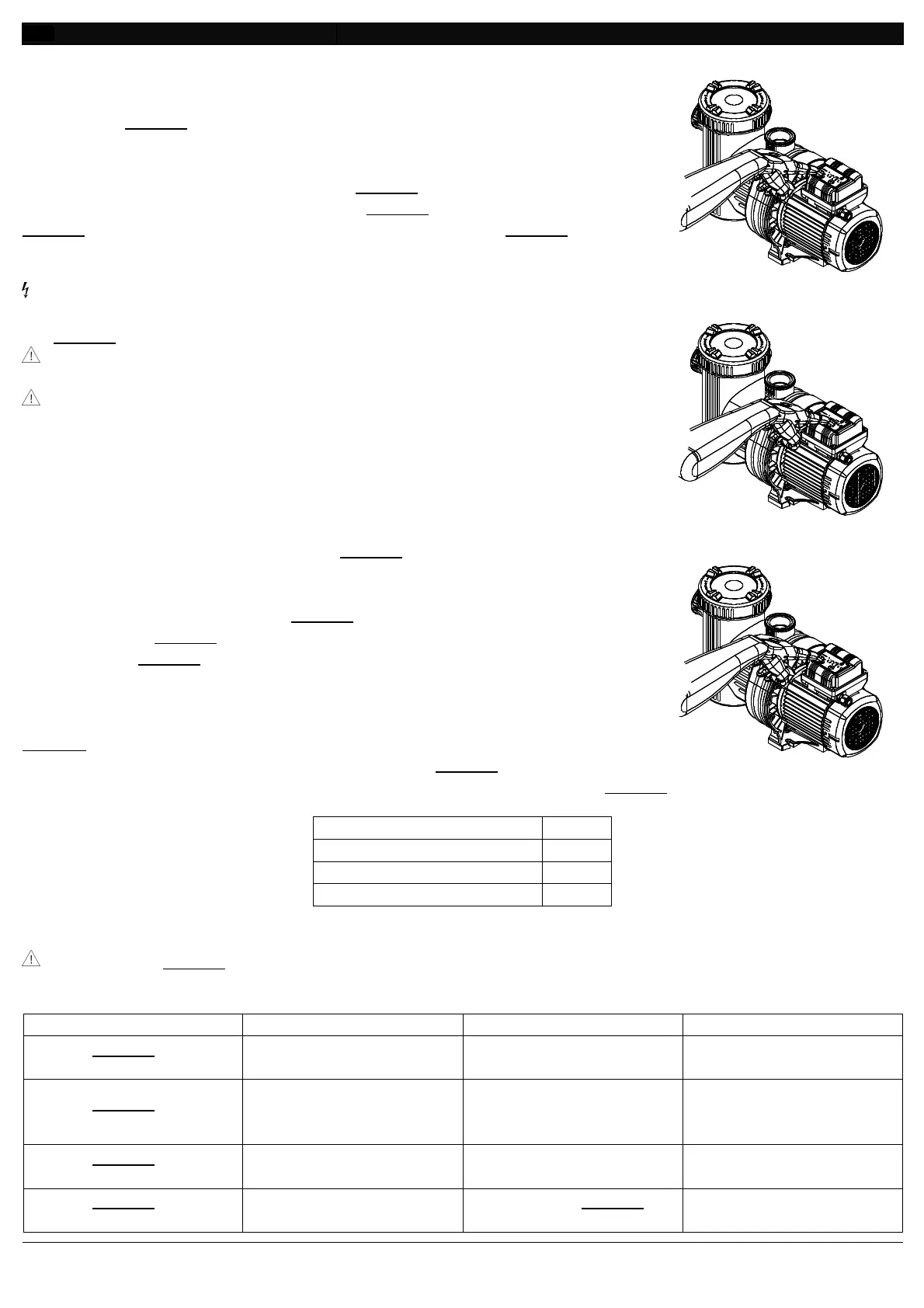
Fig. 68
Fig. 69
Fig. 70


 To Next Page
 Loading...