4
OPERATION INSTRUCTIONS
The mini show box needs to be plugged into a power source. It can be plugged into a wall socket
directly or into a power cord.
Note: always use UL approved power cords with outdoor rating GFCI outlet, when plugging in your
lights, trees and yard décor.
Plug 3 different combinations of lights, trees, and decorations into the 3 outlets on the back of show box.
Please make sure the power consumption (Watts) of the each combination is under the max Watts limitation.
When the power supply is on, turn on the power switch on the back of show box.
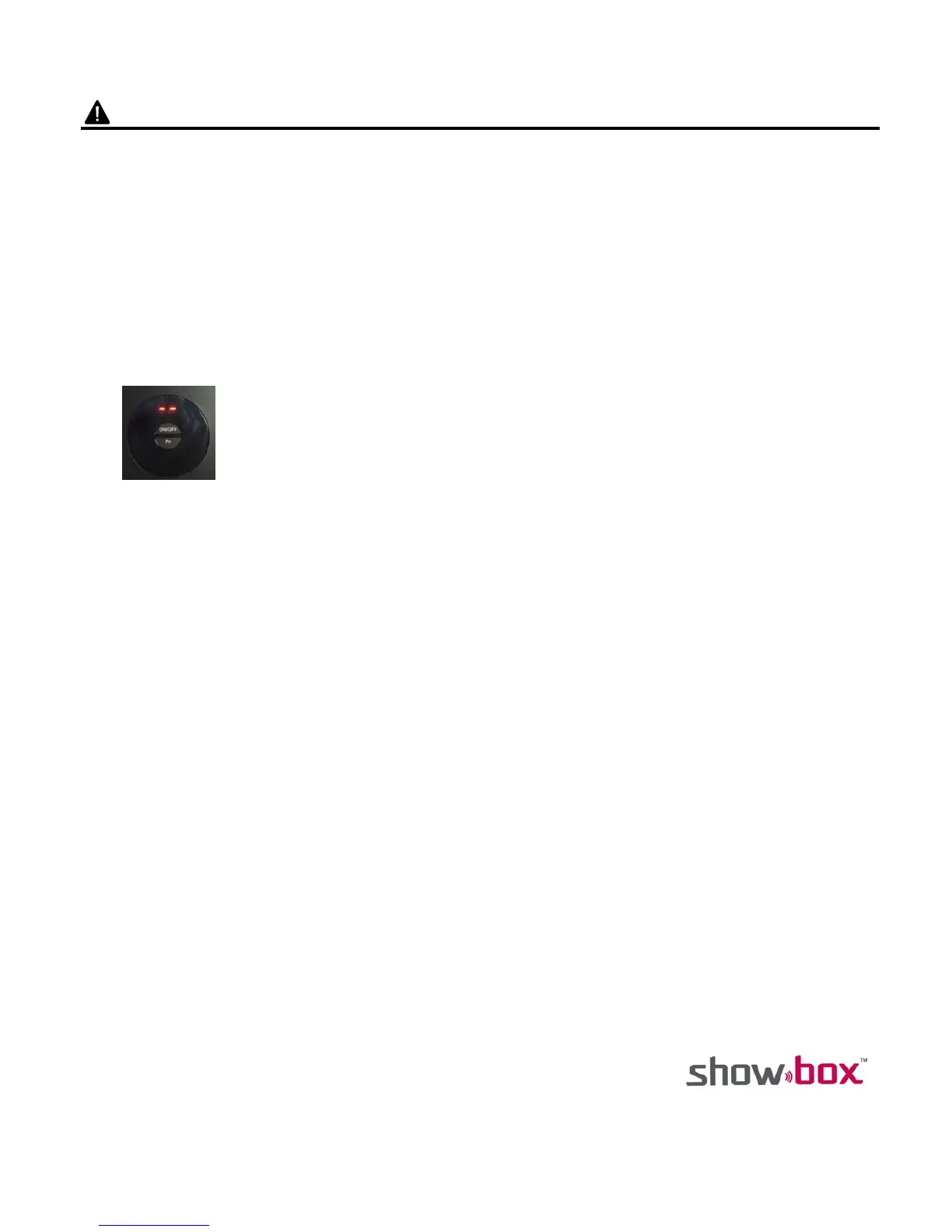
The LED display panel shows “- -”
1. Press the Function Button on mini show box panel.
The LED display panel shows “00”
The 3 different receptacles turn on one time sequentially, then all turn on.
2. There are 8 functions of programmed light show modes. Press the Function Button on show
box panel to select.
Function 1-7: LED Display panel shows “01-07”
Function 8: Lights dance along with the melody of music.
3. Press the ON/OFF Button power off.
4. Line in mode: Deliver the music to the mini show box via the audio cable. The light show mode
automatically changes to function 8 (LED display panel shows “08”)
5. During Line in mode, the Wi-Fi from smart mobile devices cannot be used to transmit music.


 To Next Page