Installation instructions en
19
2. Press together the cable duct at the sides and re-
move it.
3. Disconnect the cable at the appropriate point.
4. Loosen the screws on the side covers and remove
the covers.
5. Undo the opposite screws to loosen the fan box.
6. Push the fan box to the side and connect the appli-
ance to the power supply.
7. Push the fan box to the other side and connect the
pipework.
8. Position the fan box in the centre and screw it firmly
in place.
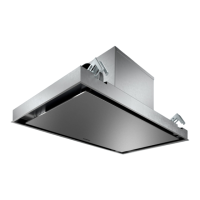
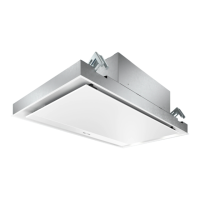
Installation variants of the fan box
The fan box can be rotated according to the installation
situation.



 To Next Page
 Loading...