Basic functions
15
EN
ET
LV
LT
RU
BG
HE
Your Hearing Care Professional has to configure
your miniTek for your audio sources.
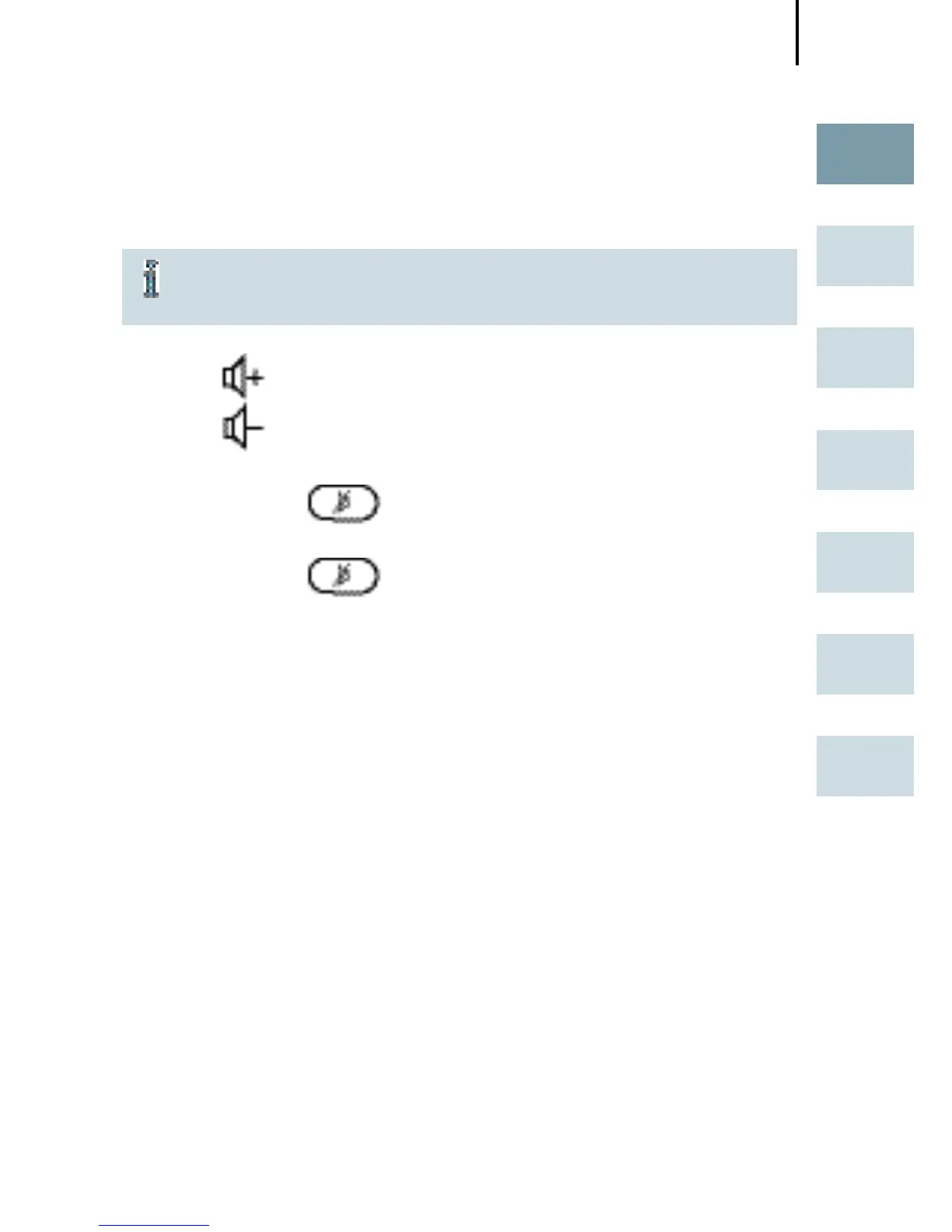
Changing the volume
Press to increase the volume.
Press to decrease the volume.
Fade out ambient noises (mute)
Press shortly to switch off the microphones of
your hearing instruments.
Press shortly to switch on again the micro-
phones of your hearing instruments.
With this function you can fade out distracting noise from
environment (e.g. while watching TV).



 To Next Page
 Loading...













