Home
Siemens
Dishwasher
SN65EX56CE
Page 17
Siemens SN65EX56CE - Page 17
64 pages
Manual
Save Page as PDF
To Next Page
To Next Page
To Previous Page
To Previous Page
Loading...
Familiarising yourself with your appliance
en
17
12
Door handle
1
Open the appliance door.
13
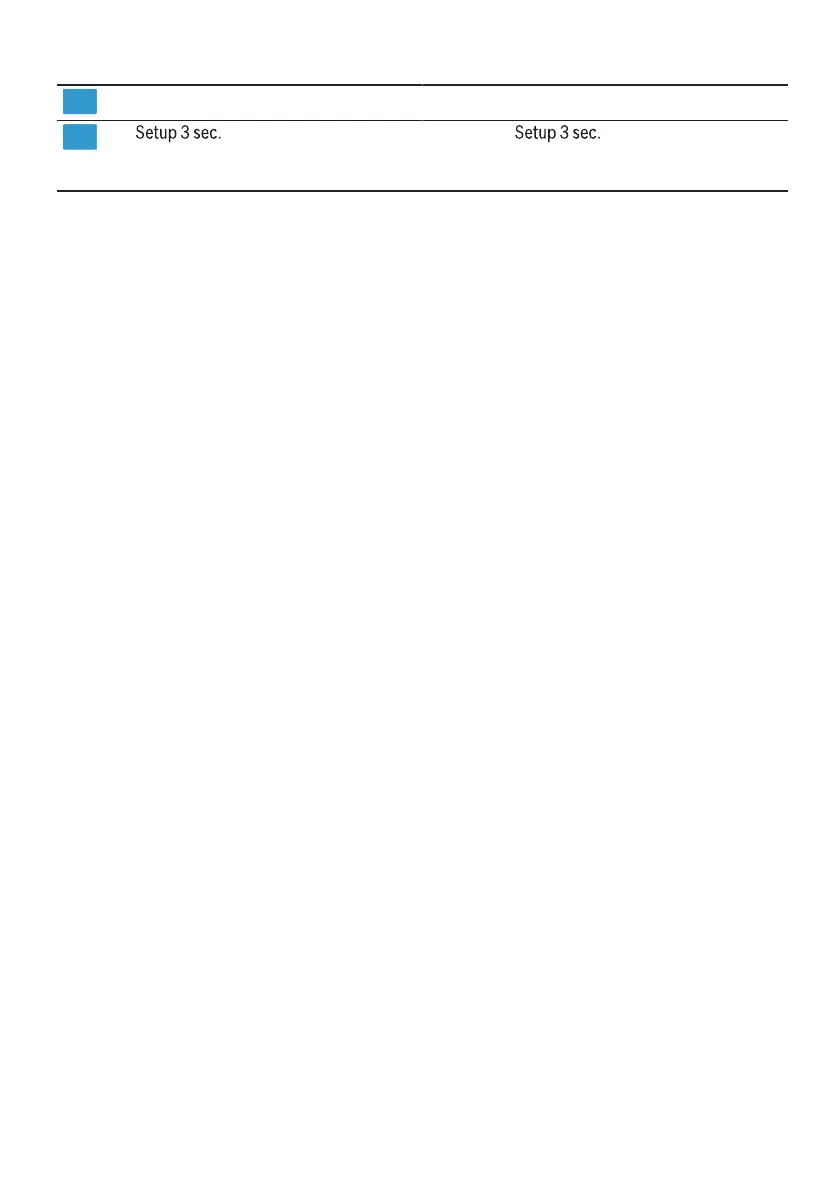
button
If you press
for approx. 3 seconds,
you can open the basic settings.
→
"Changing basic settings", Page38
1
Depending on the appliance specifications
16
18
Table of Contents
Main Page
Table of Contents
2
Safety
4
General Information
4
Intended Use
4
Restriction on User Group
4
Safe Installation
4
Safe Use
6
Damaged Appliance
8
Risk to Children
8
Preventing Material Damage
10
Safe Installation
10
Safe Use
10
Environmental Protection and Saving Energy
11
Disposing of Packaging
11
Saving Energy
11
Aquasensor
11
Sensors
11
Autoopen Dry
12
Installation and Connection
12
Scope of Supply
12
Installing and Connecting the Appliance
12
Drainage Connection
13
Drinking Water Connection
13
Electrical Connection
13
Familiarising Yourself with Your Appliance
14
Appliance
14
Controls
15
Programmes
18
Information for Test Institutes
20
Favourite
20
Additional Functions
20
Features
21
Top Basket
21
Bottom Basket
22
Cutlery Drawer
22
Etagere
23
Folding Prongs
23
Basket Heights
23
Before Using for the First Time
24
Performing the Initial Configura- Tion
24
Water Softening System
24
Overview of Water Hardness Settings
24
Setting the Water Softening System
25
Special Salt
25
Switching off the Water Softening System
26
Regeneration of the Water Softening System
26
Rinse Aid System
27
Rinse Aid
27
Setting the Amount of Rinse Aid
27
Switching the Rinse Aid System off
28
Detergent
28
Suitable Detergents
28
Unsuitable Detergents
29
Information on Detergents
29
Adding Detergent
30
Tableware
30
Damage to Glass and Tableware
31
Arrange Tableware
31
Removing Tableware
32
Basic Operation
32
Switching on the Appliance
32
Setting a Programme
33
Setting Additional Functions
33
Setting Timer Programming
33
Starting the Programme
33
Interrupting Programme
33
Terminate Programme
34
Switching off Appliance
34
Basic Settings
35
Overview of Basic Settings
35
Changing Basic Settings
38
Home Connect
38
Home Connect Quick Start
38
Home Connect Settings
39
Remote Start
39
Remote Diagnostics
39
Software Update
39
Data Protection
39
Cleaning and Servicing
40
Cleaning the Tub
40
Cleaning Products
40
Tips on Appliance Care
40
Machine Care
40
Filter System
42
Cleaning Spray Arms
43
Troubleshooting
44
Appliance Safety
44
Error Code / Fault Display / Signal
45
Washing Results
47
Home Connect Problem
54
Information on Display Panel
54
Malfunctions
54
Mechanical Damage
56
Noise
56
Clean Wastewater Pump
58
Transportation, Storage and Disposal
58
Removing the Appliance
58
Protect Appliance from Frost
59
Transporting the Appliance
59
Disposing of Old Appliance
59
Customer Service
59
Product Number (E-Nr.), Produc- Tion Number (FD) and Consecut- Ive Numbering (Z-Nr.)
60
AQUA-STOP Guarantee
60
Technical Specifications
60
Information Regarding Free and Open Source Software
61
Declaration of Conformity
61
Related product manuals
Siemens SN65EX68CE
64 pages
Siemens SN65EX10CE
64 pages
Siemens SN65ZX00AE
60 pages
Siemens SN65ZX49CE
64 pages
Siemens SN65M031GB
30 pages
Siemens SN65Z801BE
64 pages
Siemens SN65Z800BE
64 pages
Siemens SN65ZX40CE
56 pages
Siemens SN65ZX48CE
64 pages
Siemens SN65YX00CE
56 pages
Siemens SN65ZX07CE
60 pages
Siemens SN678D01TG
56 pages



 To Next Page