16
ˆ secar button
The drying programmes → page13 can be individually adapted by
selecting the drying time.
– Press the secar ˆ button repeatedly until the required drying time is
shown on the display panel.
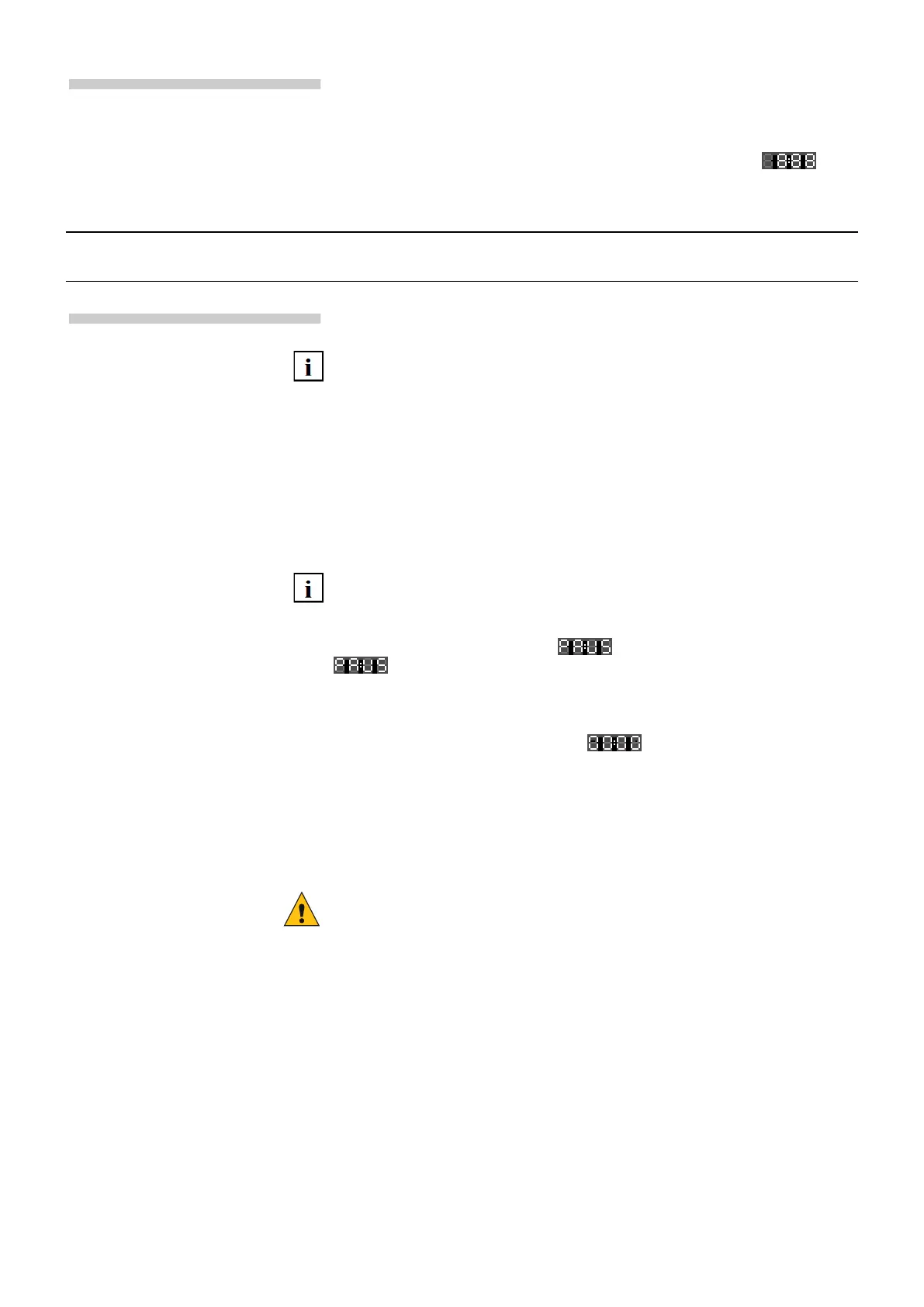
– To deactivate, press the secar ˆ button repeatedly until is
shown on the display panel.
Drying option
Time-controlled
drying
The required drying time can be set to between 2:40 and 0:00 by repeatedly pressing
the ˆ secar button.
inicio pause button
Press inicio pause(Start/Pause) to start the selected programme.
The 0 (Remaining time) is shown on the display panel. The
! (start of the programme) symbol is lit.
The programme progress is shown on the display panel:
! - Prewash
N - Main wash
' - Rinse
0 - Final spin
ˆ - Drying
To change the programme:
Select a new programme.
Press inicio/pause (Start/Pause).
The new programme starts from the beginning.
Press and hold the inicio/pause (Start/Pause) button while the
programme is in progress until appears on the display panel.
and 0 (Remaining time) appear alternately while the programme
is paused.
Press inicio/pause (Start/Pause) to continue with the programme.
Press and hold (Start/Pause) until is displayed.
For washing programmes at high temperatures:
– Cooling down laundry: choose ' + centrifug. 0 (Rinse + Spin).
– Press inicio/pause (Start/Pause).
For programmes at low temperatures:
– choose + + centrifug. 0 (Empty + Spin).
– Press inicio/pause (Start/Pause).
Caution! if you cancel the drying programme, the laundry may still be very
hot.
Programme progress
Changing the
programme
Pausing the programme
Cancelling the
programme



 To Next Page