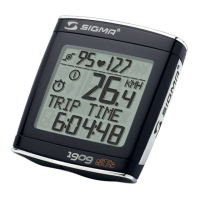
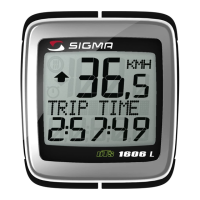
Contrast entry Réglage contraste / Contraste
খ
9. Contrast
• Press MODE button until contrast is displayed.
• Press SET button briefly and the display flashes.
• Set the value by pressing RESET button.
1 = light 3 = dark
• Confirm by pressing the SET button.
When you are finished entering the basic setting, press
and hold SET button for 3 seconds to exit set-up mode.
9. Contraste
• Appuyer sur la touche MODE jusqu'à ce que CONTRASTE
apparaisse.
• Appuyer brièvement sur la touche SET, l'entrée clignote.
• A l'aide de la touche REMISE A ZERO régler la valeur.
1 = faible, 3 = fort
• Confirmer par la touche SET.
9. Contraste
• Pulsar la tecla MODE hasta que aparezca CONTRASTE.
• Pulsar brevemente la tecla SET, la introducción parpadea.
• Ajustar el valor con la tecla RESET. 1=débil 3=fuerte
• Confirmar con la tecla SET.
1 2 3
SET
CONTRAST
SET
CONTRAST
2
SET
CONTRAST
2
SET
SET OK



 To Next Page
 Loading...