14
2.1 General
– Current / average speed comparison
If you are traveling at approximately
your average speed, nothing is
displayed. If you are traveling
quicker than your average speed,
( ) is displayed; if you are
traveling slower ( ) is displayed.
This information is displayed in
almost all functions, except the
basic settings.
– Service interval The service interval informs
you when you have cycled a specified number of
kilometers and a bike inspection is due. This
service interval can only be enabled/disabled and
pre-configured by your specialist retailer. The
device comes with the service interval disabled.
1.3 Set-up
Please see the leaflet provided for the set-up
diagrams!
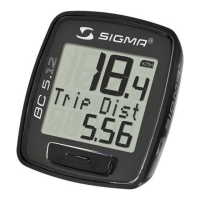
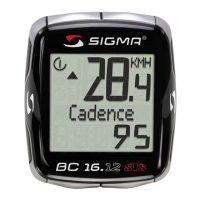
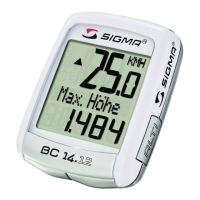
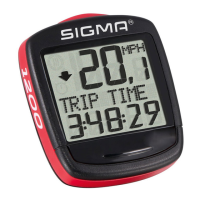
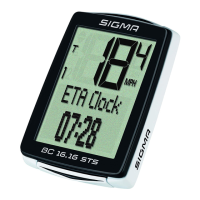
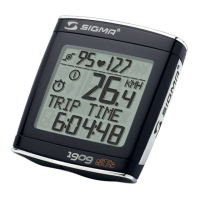
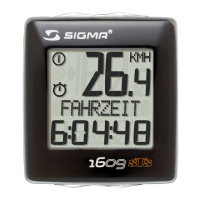
1.2.3 Display layout
2. Functions / Properties
Top field:
Speed
Middle field:
Description of the functions
Bottom field:
Current value
1.2 Navigation principle


 To Next Page
 Loading...