5
Layout
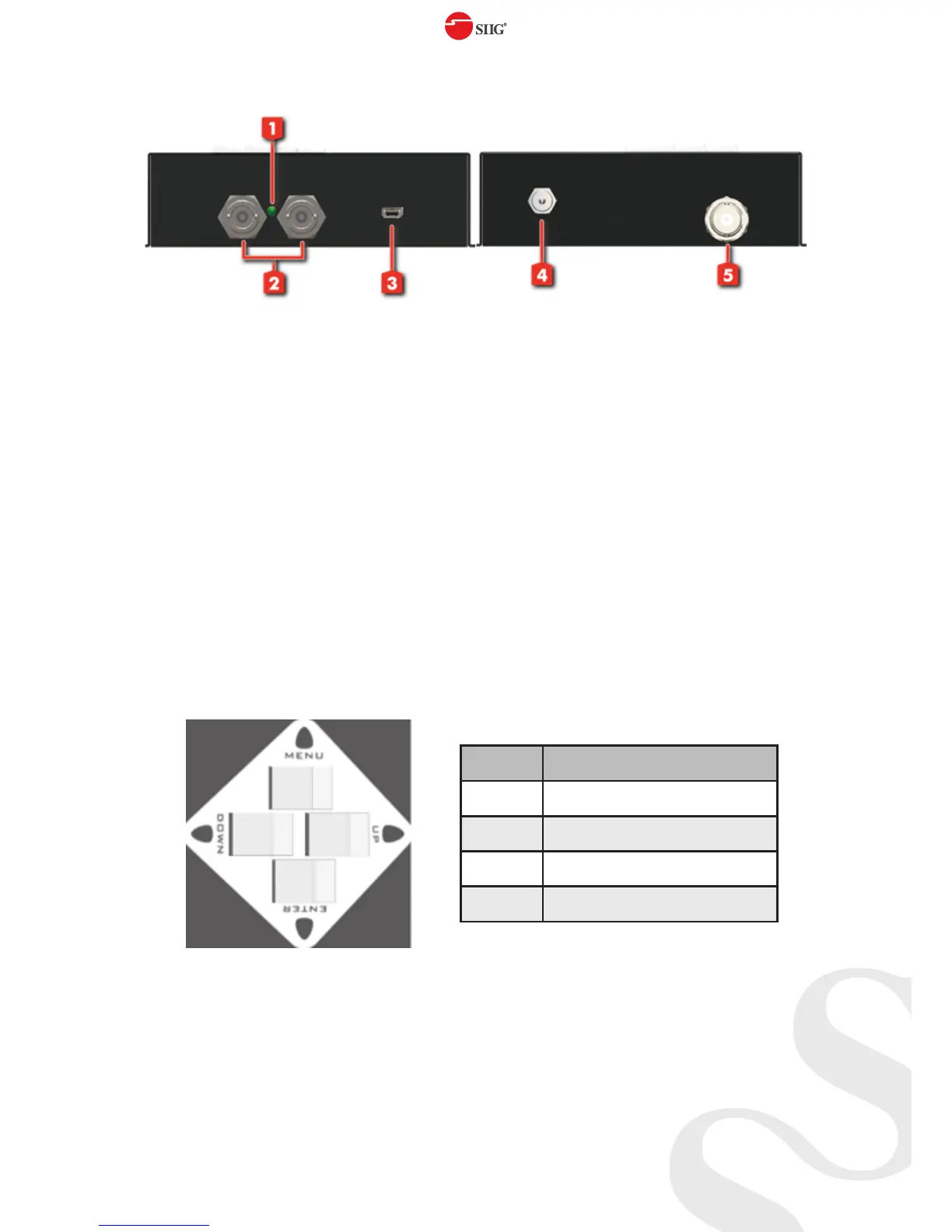
1. Power LED
2. SDI Output:
Connect to a SDI device for SDI signal output either from the
chosen pattern or the SDI source signal
3. Mini USB port: For F/W update
4. Power Input: Connect to a DC 12V power supply unit
5. SDI Input: Connect to a SDI source
PUSH Button
Button Function
Menu Trigger the menu operation
Enter Enter the menu item
Up Choose the last menu item
Down Choose the next menu item



 To Next Page