17 GB
P Operation
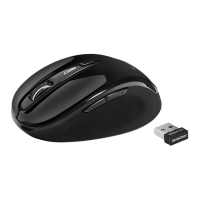
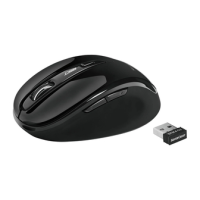
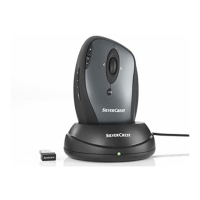
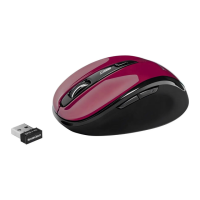
Connecting the USB dongle
9
: Slot the USB dongle
9
into a spare USB port on your
computer.
Turn your computer on.
The necessary drivers are
automatically installed.
1
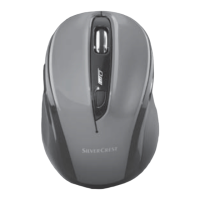
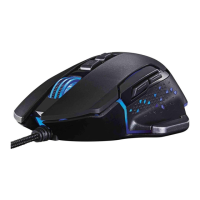
Right mouse button:
Provides traditional mouse click
functions.
2
DPI button: (1000 / 1500 /
2000 – Click button once, then
change DPI setting to next DPI
value). The default DPI setting
is 1500 dpi. Choose a setting
that is comfortable for you.
3
Backward button
4
Forward button
5
Left mouse button:
Provides traditional mouse
functions like click, double click
and drag.
6
Scroll wheel and middle
mouse button: Roll up or down to scroll through pages
or documents.
65 1
4
3
2






 To Next Page