10 GB
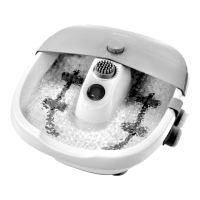
Setting up the product
Unroll the power cord [5] from the power
cord storage [6].
For an optimal massage position, the rear
feet [4] can be adjusted. Place the product
on a flat surface with the massage surface [1]
facing downwards.
Rotate the feet [4] as follows to adjust the foot
height:
Direction of rotation Foot height
Clockwise Increasing
Counter-clockwise Decreasing
Place the product on a flat surface.
Slippage of the product is prevented by the
rubber feet [4] on the bottom of the product.
If necessary, place the product on a mat to
protect the floor.
Check the stability of the product.
Use massage and heat function
Setting Massage level Heat function
button [2]
1 Slow On Lights green
2 Slow Off Flashes green
3 Fast On Lights blue
4 Fast Off Flashes blue
Connect the power plug [5] to a power outlet.
Switching on the product:
– Press the button [3].
– The indicator light of the button [3] lights
up red.
– The massage heads [1] rotate slowly.
– The heat function is switched on.
– The left indicator light of the button [2]
lights up green.
– The product is set to massage level 1.
Assume a comfortable sitting posture. Place
your feet on the massage heads [1].
This product is equipped with 2 adjustable
massage levels, each with a switchable heat
function (see table).
Change settings: Press the button [2]
again.
Each time you press the button [2], the
setting increases:
Setting 1
Setting 2
Setting 3
Setting 4






 To Next Page