20
For all versions of the rebroadcast device, the ‘Minimum
Speech’ setting must
be 15. Leaving it at ‘0’ will result in no
transmitted audio from your repeater.
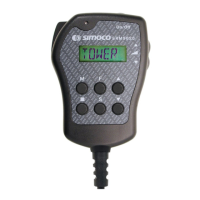
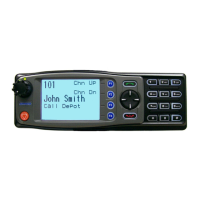
Program one button (F3) for “Repeater Mode”.
Program F4 for “Auxiliary”. Label the button
screen displays as shown - ‘REPEAT’ and
‘DIPLEX’
Pressing F3 sets the rebroadcast mode.
Pressing F4 will send the power connector pin 8
high and switches the diplexer into circuit.
Again, ‘Radio Select’ has not been programmed as
normal comms are not required from the Secon-
dary radio.
Ensure your output on Pin 8 is programmed to go
high in order to operate the transistor switch in
the diplexer box.
Programming the ‘Standard’ DMAP Repeater
High


 To Next Page