10
TIME
DATE AND TIME
DATE
OK
DAYMONTH
MAR. 1ST
2015
YEAR
DATE
OK
AM/PMMINUTE
00 PM
7
HOUR
TIME
OK
◆
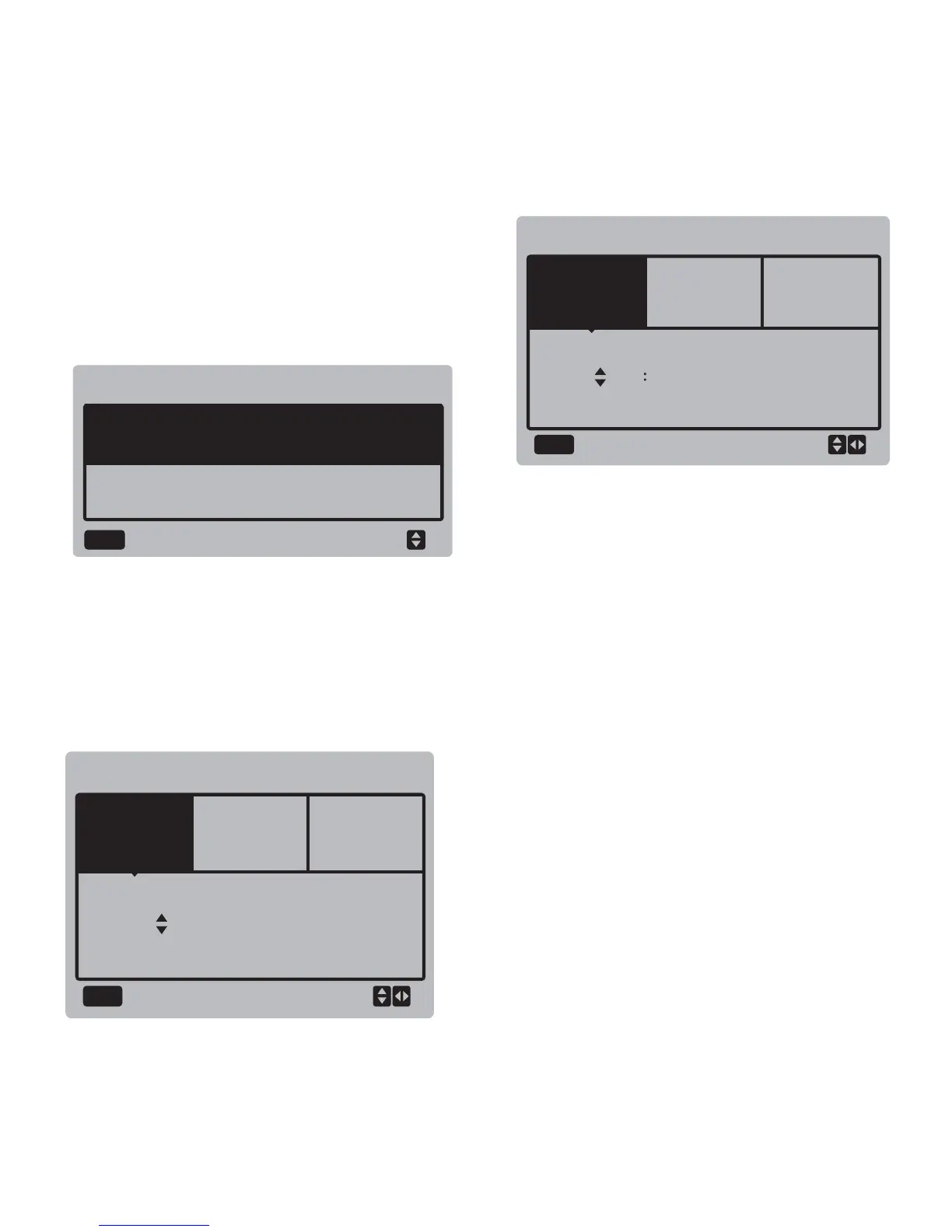
Setting date/time:
Select "DATE AND TIME", and press the
"OK" button to enter the interface. The
interface display is as follows:
Press the "▲" and "▼" buttons to select the
date, time and time format to be set, and
press the "OK" button to access the
lower-layer submenu:
Operation instructions:
Press the "◄" and "►" buttons to select year,
month and date, press the "▲" and "▼"
buttons to adjust the parameter value, and
press the "OK" button to save the setting.
Time setting operation instructions:
Press the "◄" and "►" buttons to select hour
and minute, press the "▲" and "▼" buttons to
adjust the parameter value, and press the
"OK" button to save the setting.
◆
Cancelling dailay time:
Select "CANCEL DAILY TIME", and press the
"OK" button to enter the interface. The interface
display is as follows:



 To Next Page