22
SERVICE MENU
2 MIN
DELAY OFF TIME FOR WATER PUMP
OK
EAH ON TEMP.
SERVICE MENU
0 C
OK
EAH OFF TEMP.
SERVICE MENU
0 C
OK
TEMP. UNIT
SERVICE MENU
C
OK
Press the "▼" and "▲" buttons to adjust the
parameter, and press the "OK" button to
save the setting and return to the previous
interface.Press the "BACK" button to cancel
the setting and return to the previous
interface.
l. Temperature of starting electric auxiliary
heating:
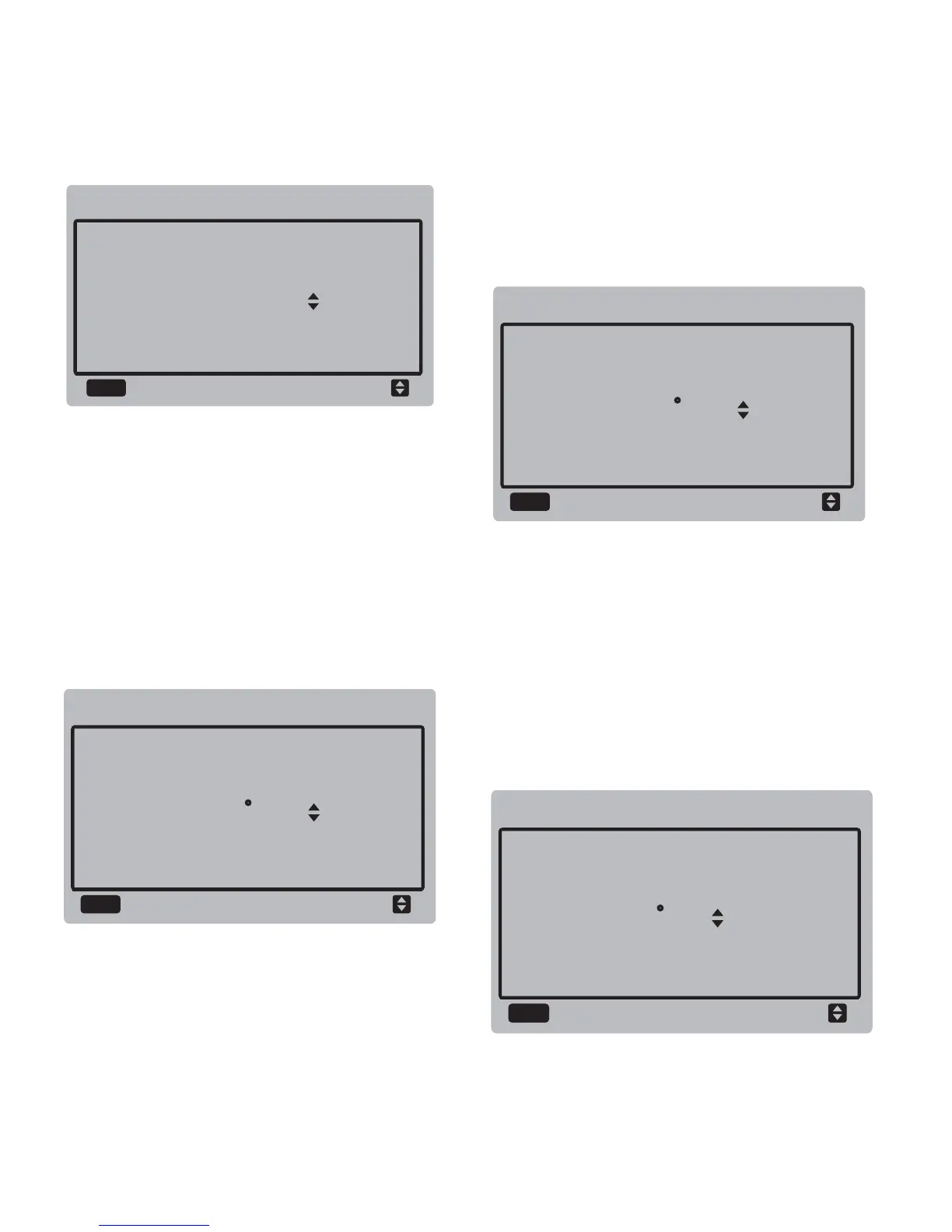
Select "EAH ON TEMP", and press the "OK"
button to enter the interface. The interface
display is as follows:
Press the "▼" and "▲" buttons to adjust the
parameter, and press the "OK" button to
save the setting and return to the previous
interface.
m. Temperature of stopping electric auxiliary
heating:
Select "EAH OFF TEMP", and press the "OK"
button to enter the interface. The interface
display is as follows:
Press the "▼" and "▲" buttons to adjust the
parameter, and press the "OK" button to
save the setting and return to the previous
interface.Press the "BACK" button to cancel
the setting and return to the previous
interface.
n. Selecting temperature unit (reserved):
Select "TEMP UNIT", and press the "OK"
button to enter the interface. The interface
display is as follows:


 To Next Page
 Loading...