Refresh the state table when search the other month. One time for one day.
【REC TYPE】 press【OK】to select the type: All or Alarm. The default is ALL.
【CHANNEL SELECT】 Press【OK】 to select the channel:1/2/3/4 The default is CH1
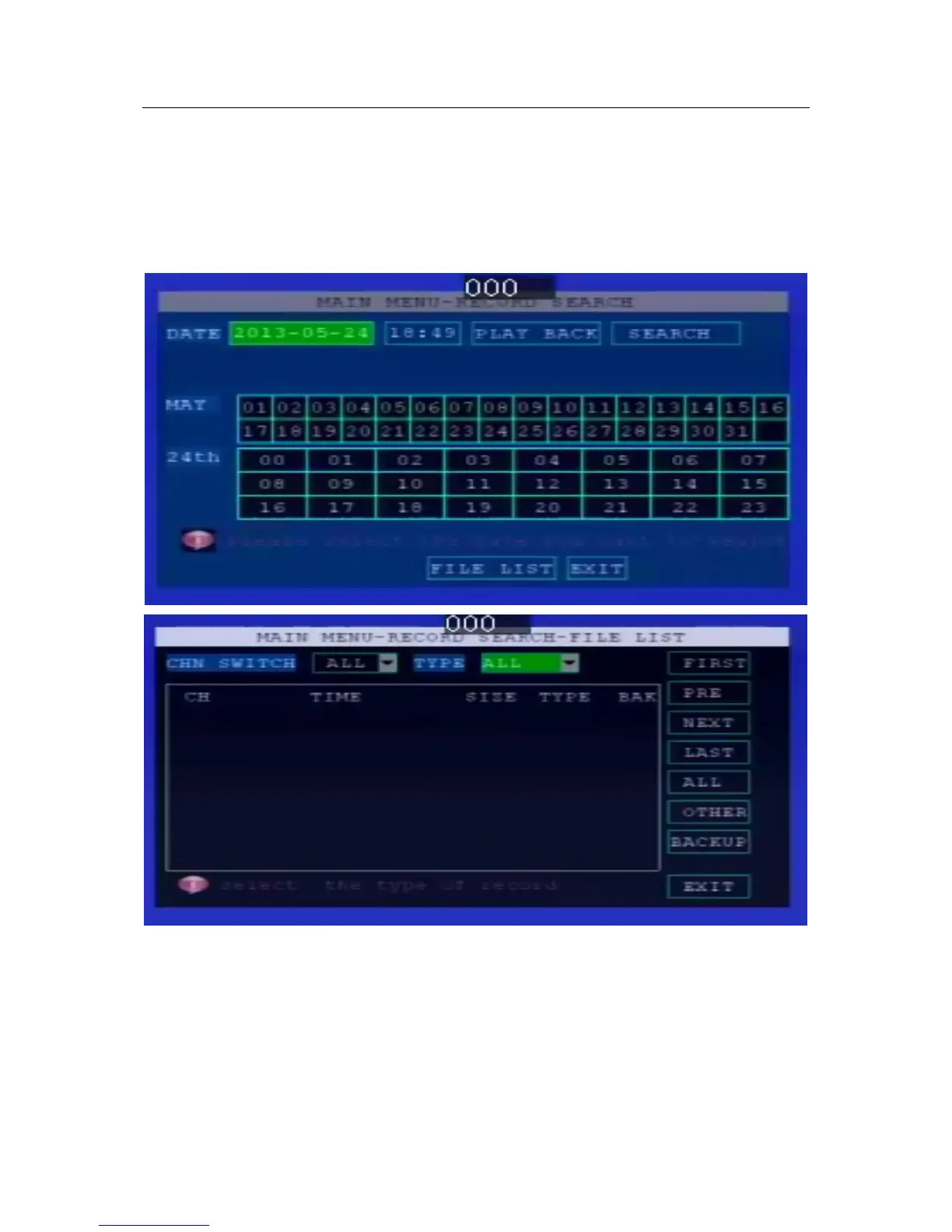
【DATE】 Press the digit keys to setup the date. The default is TODAY
【STARTS TIME】 Press the digit keys to setup the time, default time is 00:00.
【END TIME】Press the digit keys to setup the end time, default time is 23:59.
【SEARCH】 Select the "Search" button, press 【OK】, pop out the following search results
menu
Press the direction keys to view recording information, press【OK】to play, press【EXIT】
return to previous menu;
Press the direction keys to select "First", "Up", "Next", "Last", and press【OK】go to
corresponding page.
Press the direction keys to select “ALL ” REVERSE„‟ „‟BACKUP‟‟
2.4 System setup
Use left/right/up/down to select “system setup”, and press 【OK】 key, enter the


 To Next Page
 Loading...