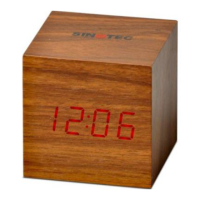
Power saving and Touch control mode
*The default mode is Sd (power saving off). Under Time Mode press the DOWN key to turn the Power Saving
Mode on. The clock will then display ‘oN Sd’, press DOWN again to turn the Power Saving Mode off.
*Under Power Saving Mode, the LED display will automatically turn off without any operation for 10 seconds.
*Under Power Saving Mode touch the LED clock or touch the table to turn the LED display on again.
*Under Power Saving Mode when the alarm is ringing the LED display will automatically turn on.
Built in Time Memory
Built-in 1PC x CR2032 battery to keep the time running when power is off, but other functions cannot be used. If
time memory doesn’t work anymore, please replace the built-in battery behind the battery compartment.


 To Previous Page
 Loading...