7
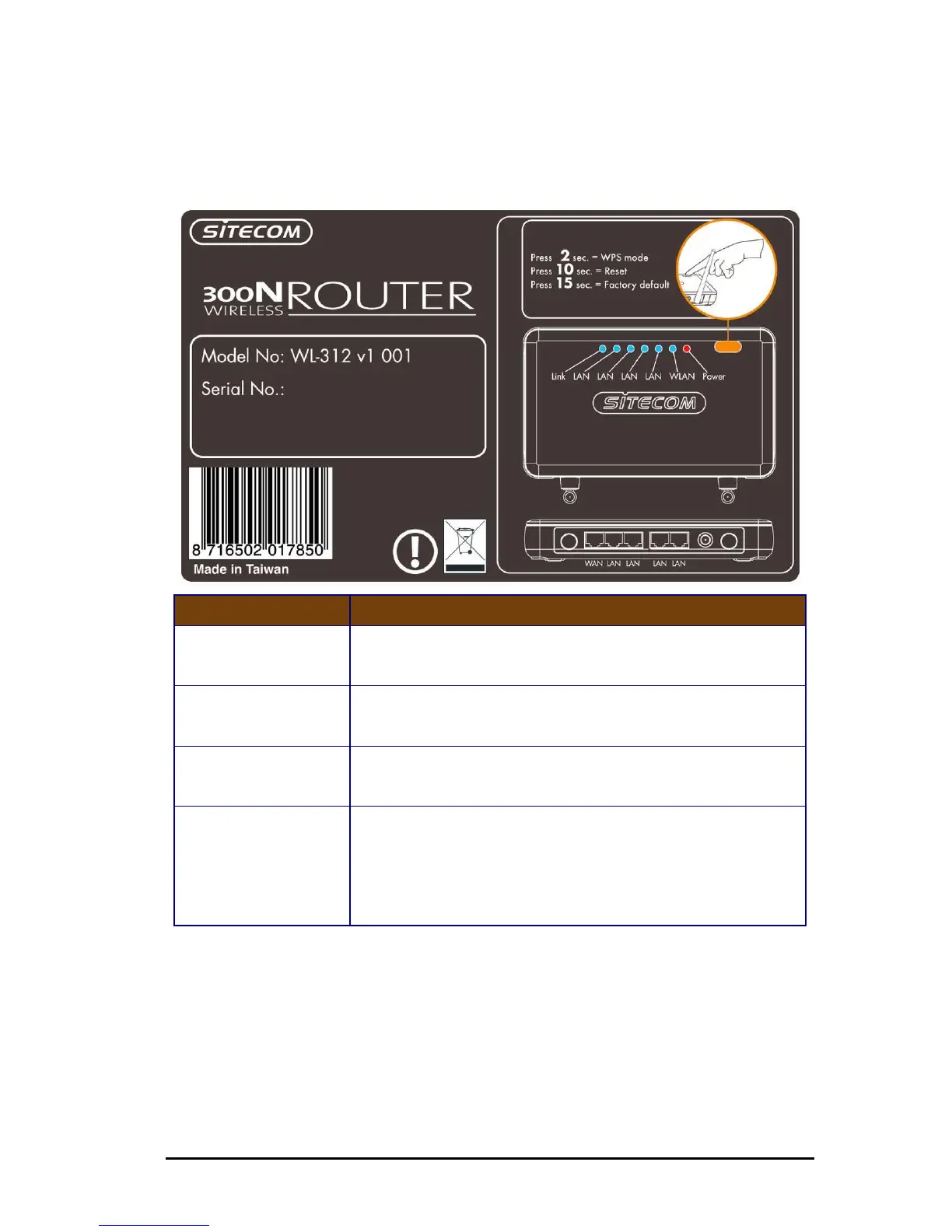
Backlabel
The backlabel describes the corresponding LED indications and port functionality
LED Description
POWER
Lights up when powered ON. Blinks on TEST/RESET
WLAN
Lights up in Blue when WLAN is enabled. Blinks on traffic
LINK/ACTIVY
Blinks on traffic for specific LAN PORT
WPS BUTTON
Press 2 seconds for WPS mode
Press 10 seconds to reset the router
Press 15 Seconds to reset the router to factory defaults.



 To Next Page