21
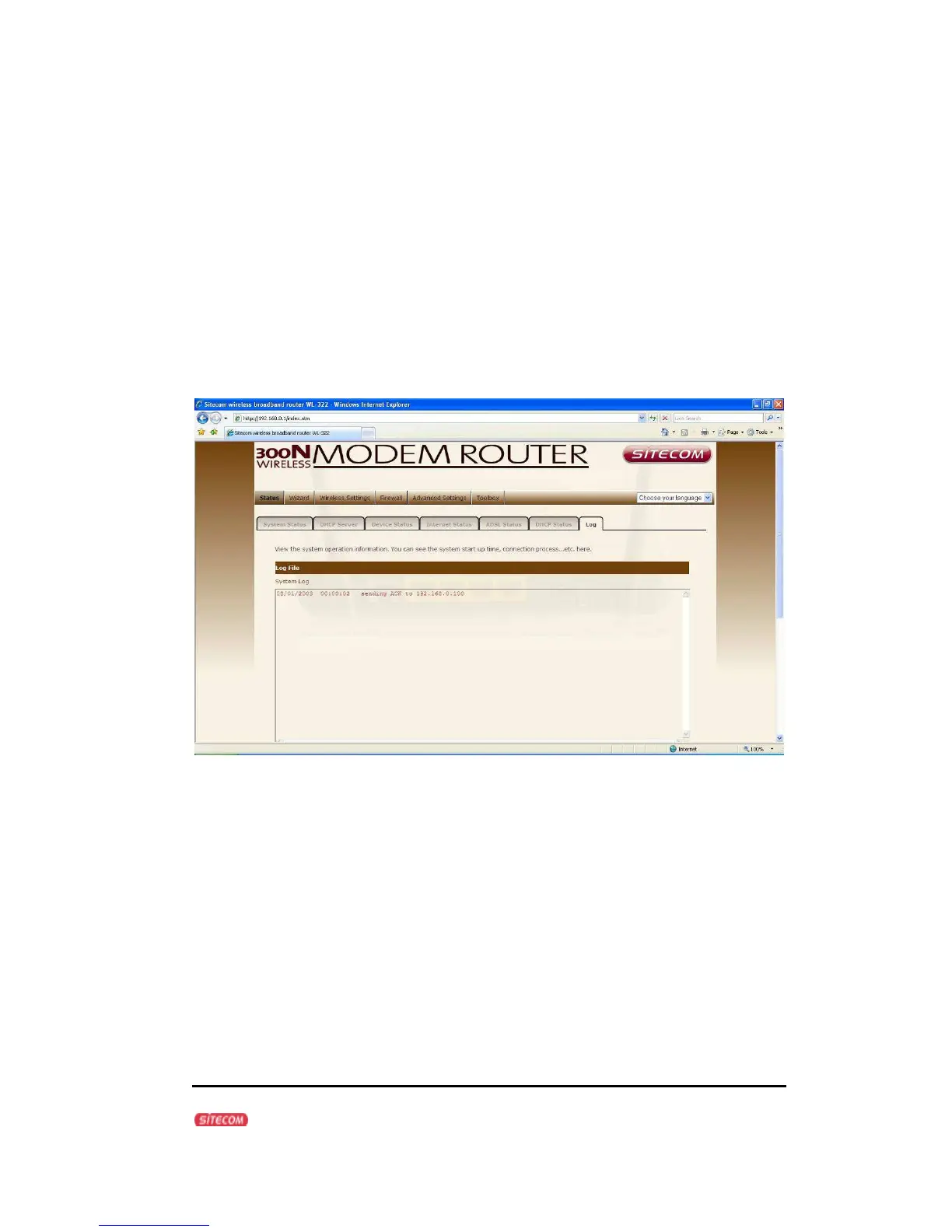
WL-347/WL-348 Log
View the operation log of the WL-347/WL-348. This page shows the current
system log of the Broadband modem/router. It displays any event occurred after
system start up. At the bottom of the page, the system log can be saved
<Save> to a local file for further processing or the system log can be cleared
<Clear> or it can be refreshed <Refresh> to get the most updated information.
When the system is powered down, the system log will disappear if not saved to
a local file.



 To Next Page