8 Bring up the WLM-2501
Connect the supplied power-adapter to the power inlet port and connect it to
a wall outlet. Press the Power-Button to turn the modem on.
The WLM-2501 automatically enters the self-test phase. During self-test
phase, the Power LED will blink briefly, and then will be lit continuously to
indicate that this product is in normal operation.
9 Initial Setup WLM-2501
LOGIN procedure
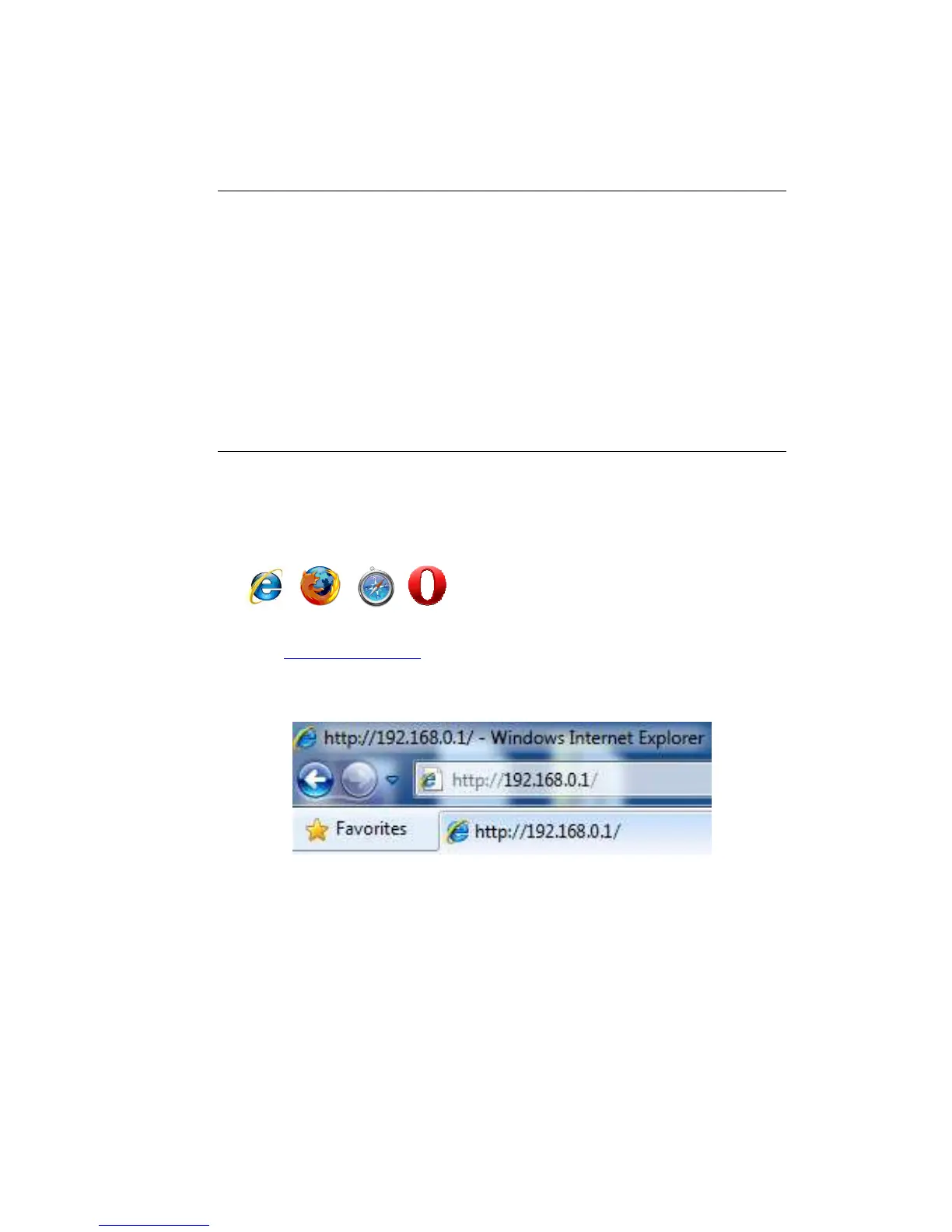
1. OPEN your browser (e.g. Internet Explorer).
2. Type http://192.168.0.1 in address bar and press [Enter]
Type user name and password (The default username is “admin”, the
password can be found on the back label of the device).
3. Click OK.
4. You will see the home page of the WLM-2501.



 To Next Page