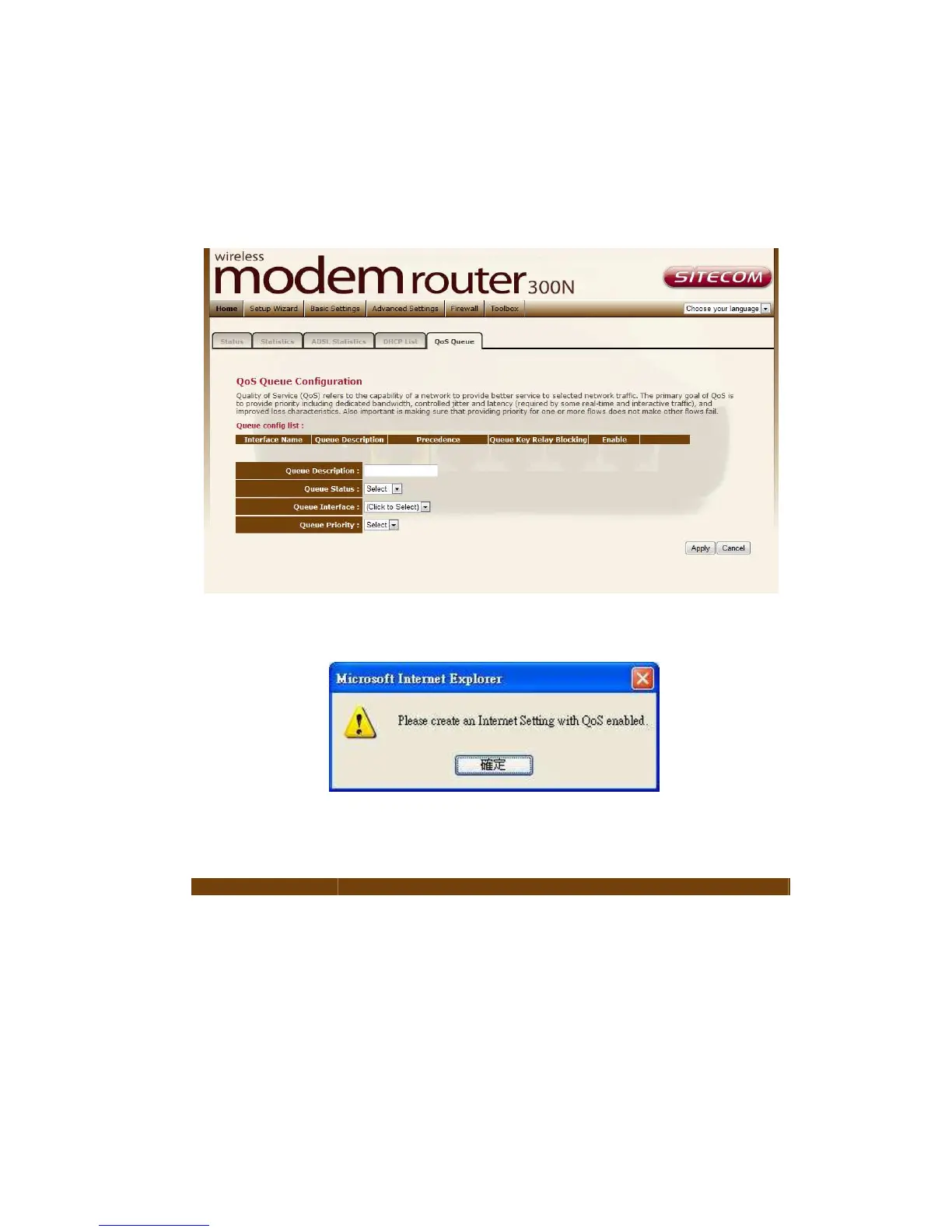
QoS Queue
The screen allows you to configure a QoS queue and assign it to a specific
network.
If the channel operation modes of your ADSL router are not configured and you
enable the QoS function, you’ll see the following message:
Please follow the Setup Wizard to finish WAN configuration before setting up
QoS.
Parameter Description
Queue
Description
The description of the queue will appear automatically
according to your selection.
Queue Status The status of the queue is selected here.
Queue
Interface
The WAN interface of the queue is selected here.
Queue Priority The priority of the queue is selected here.



 To Next Page