the “Static Route Table”. Click “Delete Selected” to delete
a selected destination route on the Static Route Table.
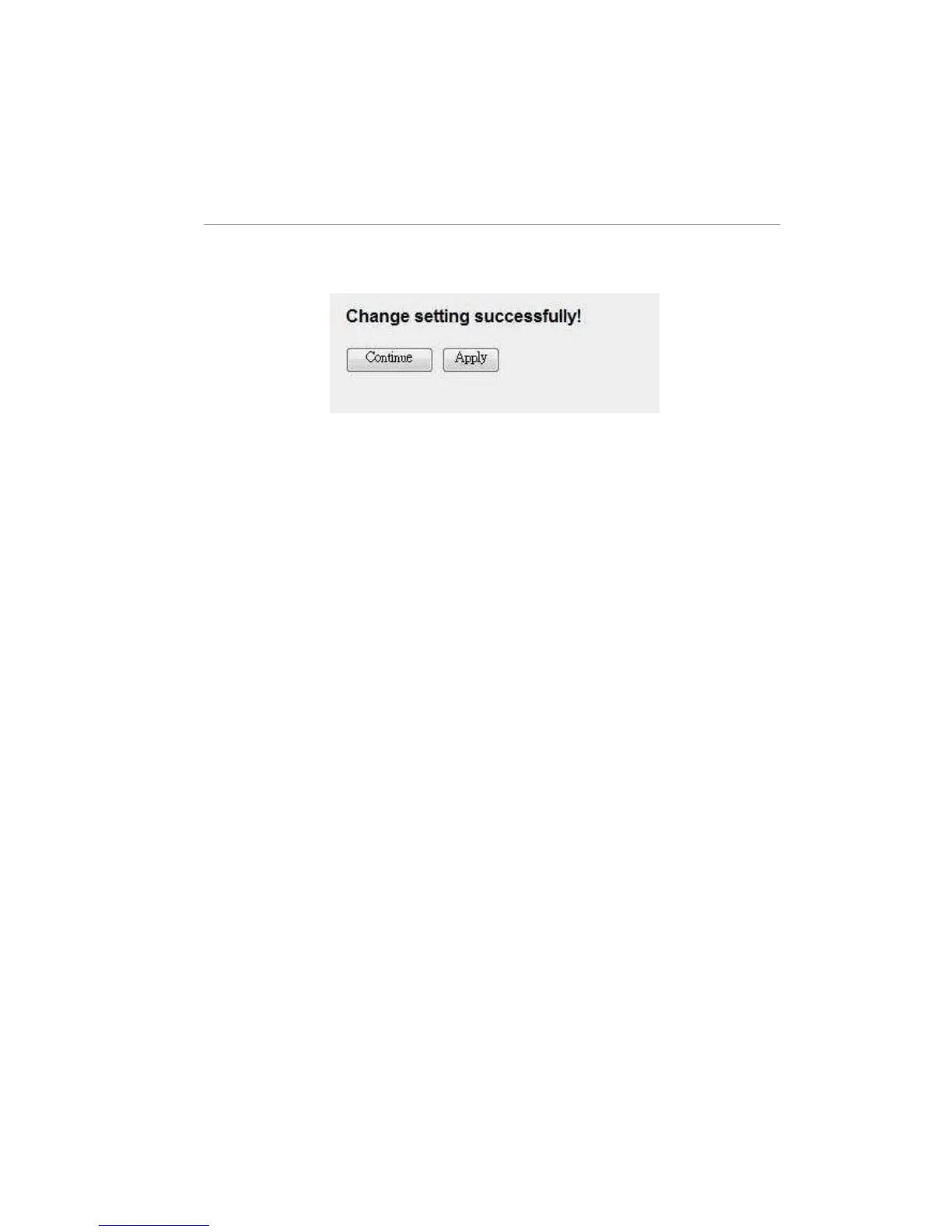
When you finish, click ‘Apply Changes’. You’ll see the following message
displayed on web browser:
Press ‘Continue’ to save the settings made and back to web management
interface; press ‘Apply’ to save the settings made and restart the router so the
settings will take effect after it reboots.



 To Next Page