Address.
Port LAN users use port number to distinguish one network
application over another such as 21 is for FTP service.
The port number range is from 0 to 65535. It is
recommended that this option be configured by an
advanced user.
Destination IP
Address
Enter the destination IP Address which will be
monitored.
Subnet Mask Enter the Subnet Mask based on the Destination IP
Address.
Port This is the port or port ranges that define the
application.
Current Filter
Table
If you want to remove some IP/Port filter settings from
the "Current Filter Table", select the items you want to
remove in the list and then click "Delete Selected". If
you want remove all the items from the table, just click
"Delete All" button.
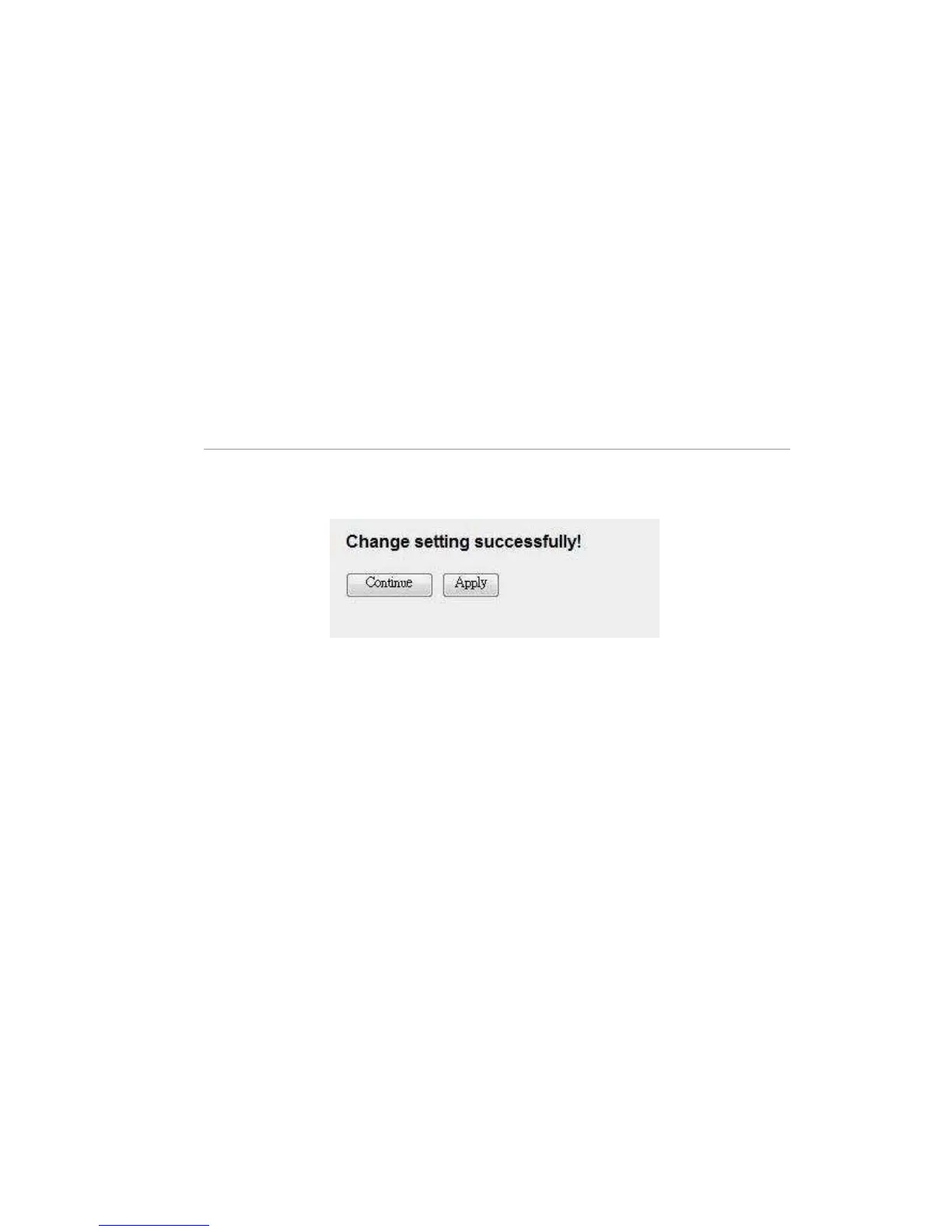
When you finish, click ‘Apply Changes’. You’ll see the following message
displayed on web browser:
Press ‘Continue’ to save the settings made and back to web management
interface; press ‘Apply’ to save the settings made and restart the router so the
settings will take effect after it reboots.



 To Next Page