Destination MAC
Address
The destination MAC address. It must be 12-digit
hexadecimal format, for example: “00-d0-59-c6-12-
50”.
Current Filter
Table
If you want to remove some filter rules from the
If you want remove all settings from the table, just
click "Delete All" button.
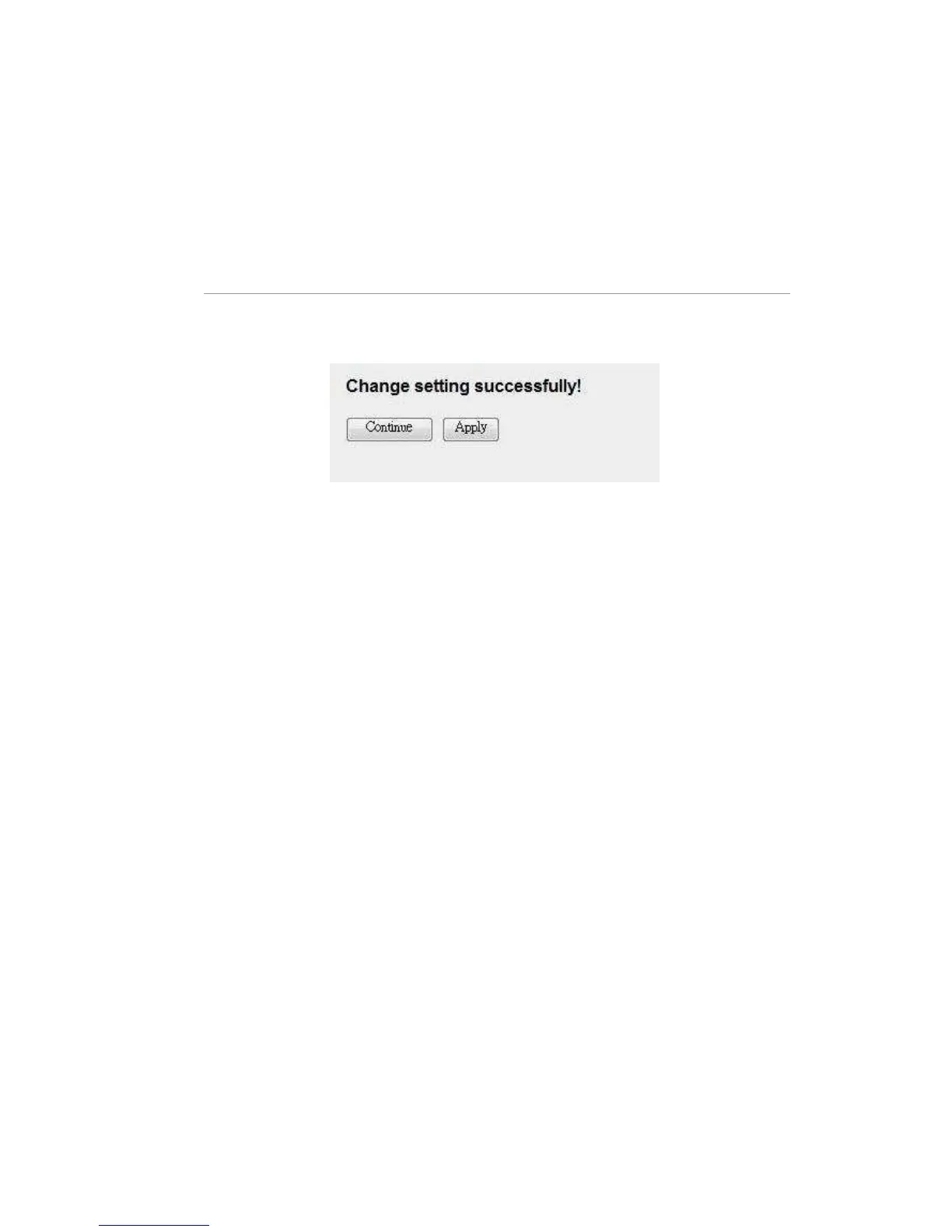
When you finish, click ‘Apply Changes’. You’ll see the following message
displayed on web browser:
Press ‘Continue’ to save the settings made and back to web management
interface; press ‘Apply’ to save the settings made and restart the router so the
settings will take effect after it reboots.



 To Next Page