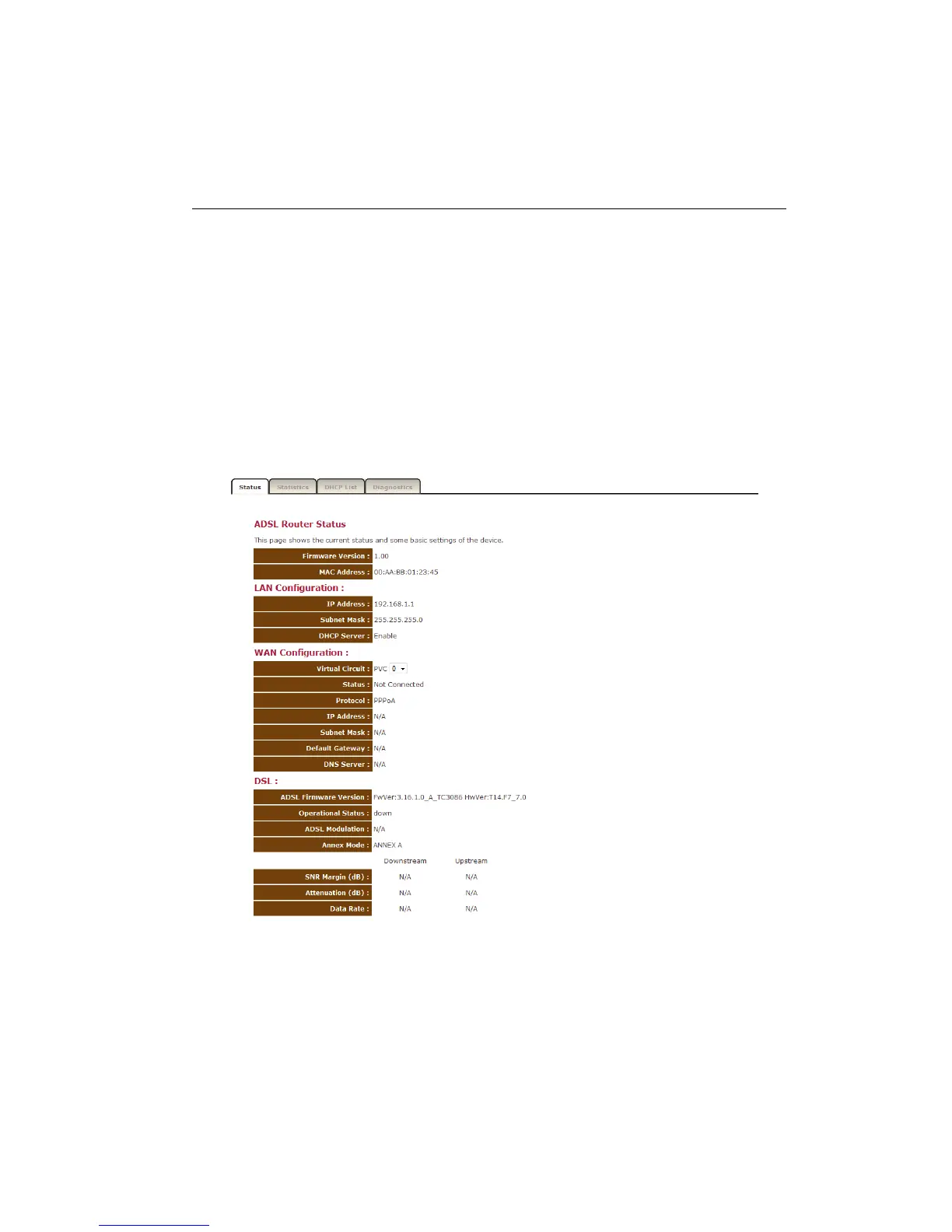
Status
The pages in the status section provide you general information about the
operational status of your device.
Status
The System status section allows you to monitor the current status of your
modem/router: the UP time, hardware information, serial number as well as
firmware version information is displayed here. The page also shows extensive
information concerning the ADSL status and current settings.



 To Next Page