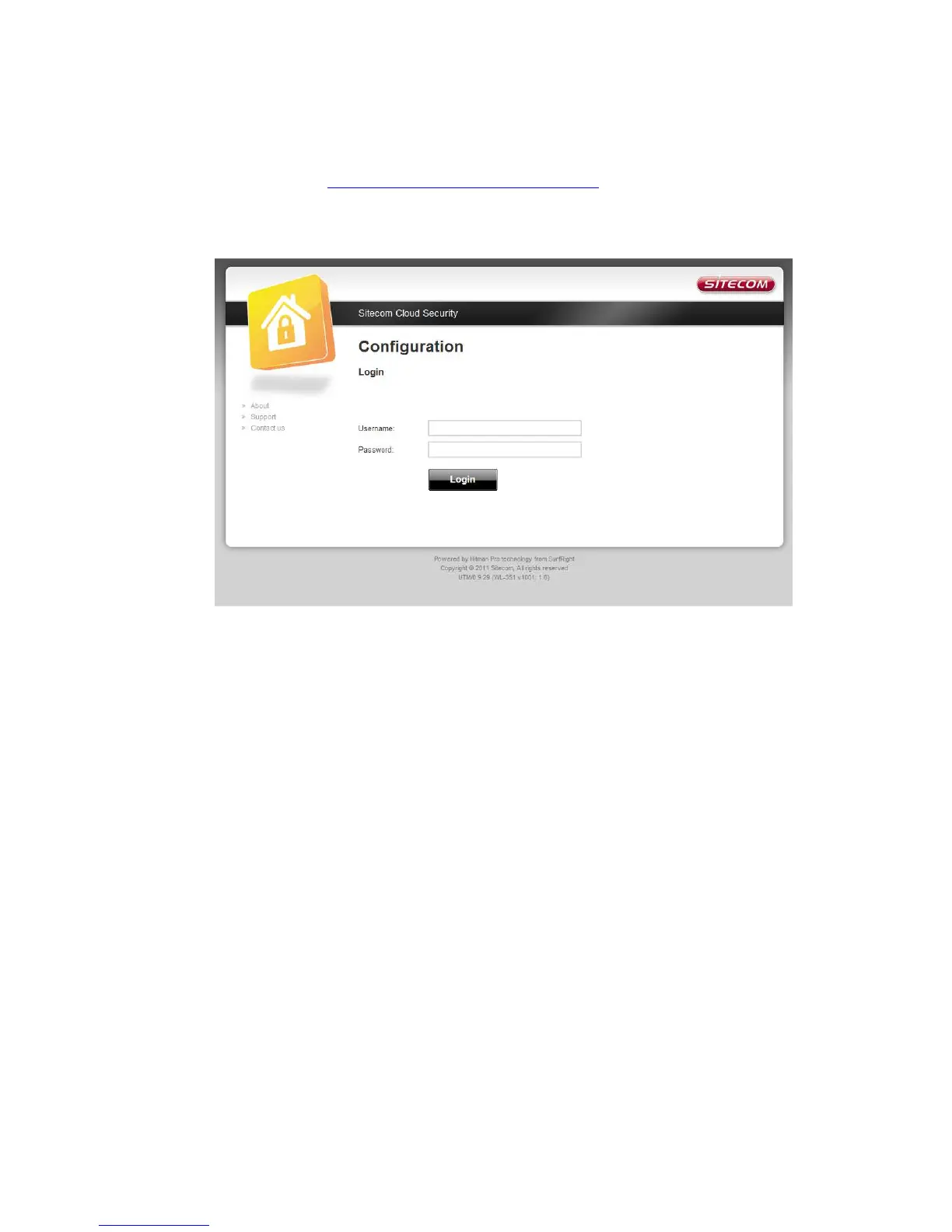
If you wish to change your security options or to extend your subscription at
any time, open http://www.sitecomcloudsecurity.com from your web browser.
You will be asked for a username and password. These can be found on the
backlabel on the bottom of your Sitecom router or modem.
If the login succeeded you can click on ‘Settings’ to change your security
options.



 To Next Page