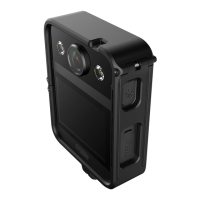
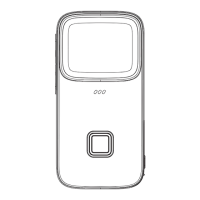
4.Insert/Remove the Micro SD card
Micro SD Card Slot
Open the battery cover, press and push the button to the arrow direction.
The battery capsule will be open.
Insert the Micro SD card: Put the card into the slot and push it to the slot bottom
Unplug the Micro SD card: press the card with your fingertips gently, the card will
eject from the slot. Pull it out.
Tips: To ensure the video quality, please use the official recommended brand Micro SD card
(Sold separately)


 To Next Page
 Loading...