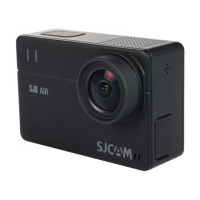
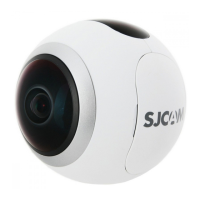
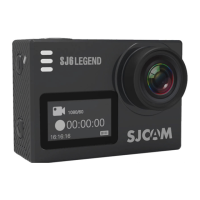
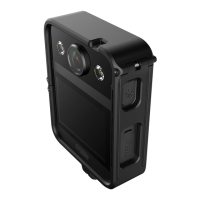
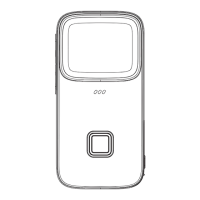
BUTTONS
Power/Mode: Press and release to turn on the camera. Press and release to change modes. Press
and hold to turn off the camera.
OK: Press to start or stop recording videos, take pictures, select menu items, or start or pause video
playback.
Up and Down: Press and release to navigate through menus and change leers and numbers in Setup.
Press and hold to advance through several menu items in Setup. Press and hold to zoom in or out in
Record or Camera modes. Press and release to fast forward or rewind videos during Playback. Press
and release the Up buon to connect to or disconnect from WiFi in Record or Camera modes.
Record. This is the first mode to appear aer start screens or baery symbol screen.
Camera
MODES
Playback
Setup.Press the Mode buon to return to Record mode.
ok
Up
Down
WiFi
Power/Mode
sjcamofficial
sjcam_official
sjcamofficialchannel sjcam_global


 To Previous Page
 Loading...