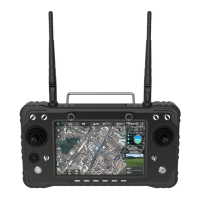
③ Change the video source to RTSP Video Stream
④ Enter RTSP address of the video/image to RTSP URL
Showing MIPI, HDMI video/image
① Enter “rtsp://192.168.0.10:8554/H264Video” to RTSP URL is OK
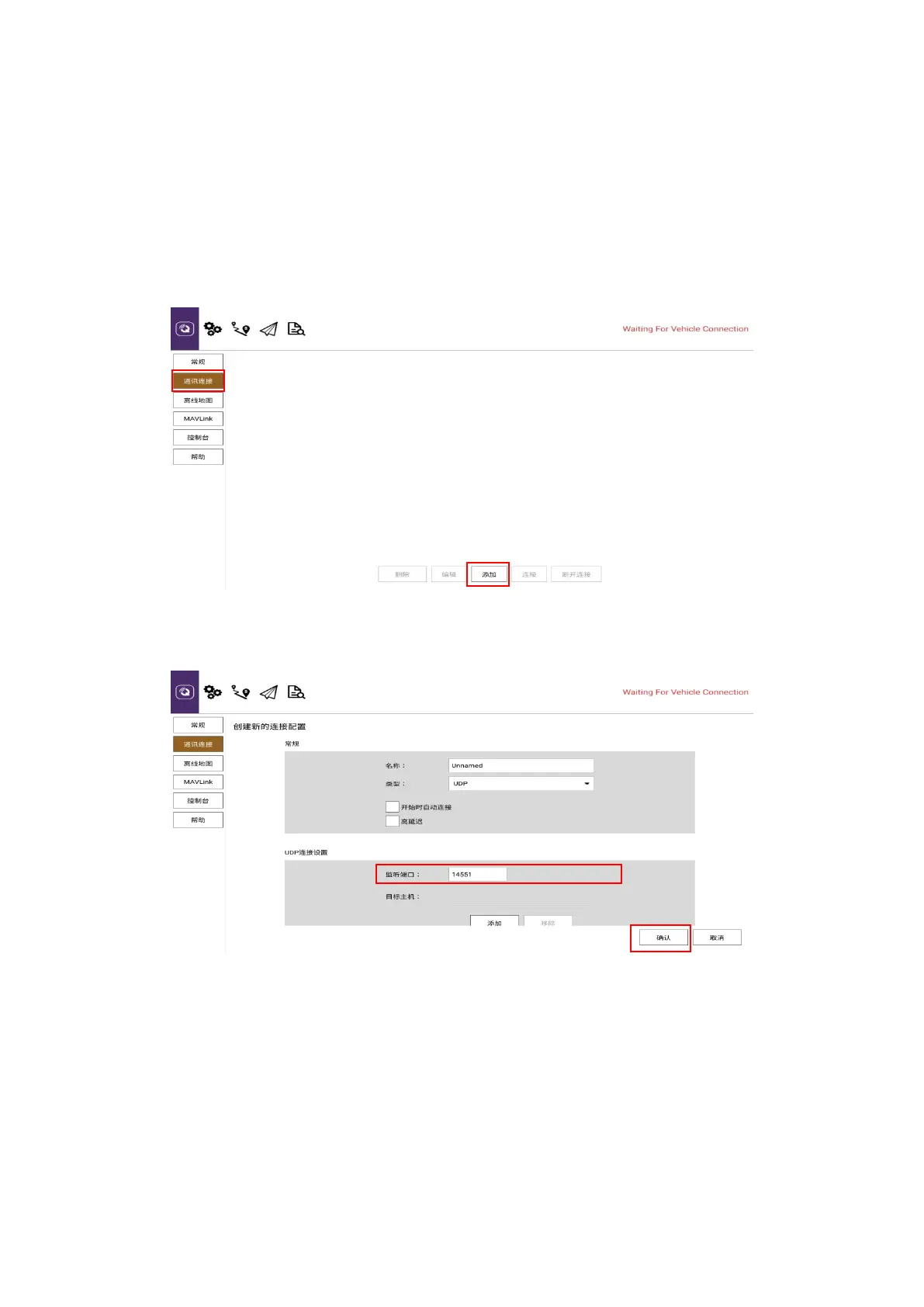
Take QGC as the example for reference to connect data/telemetry transmission
① Click the communication link
② Click “Add”
③ Change the mode into UDP, listening port to 14551
④ Click “OK” to save
Part eight
How to connect the internet
The remote control can be connected to the Internet in three ways (1) connected to 5G wifi
network (2) connected to the RJ45 port of the remote control (3) connected to the wireless
internet card through the OTG port of the remote control for Internet access (currently only
supports Huawei and CITIC wireless internet card)


 To Next Page
 Loading...