This quick start guide will help you get acquainted with your ML-2 so you can start
making the best sounding music with it, fast.
Making Connections
1.
Connect your ML-2 to the input of the Preamp with an XLR cable.
2.
3.
The ML-2 microphone requires phantom power (+48v) to operate. Apply phantom
power from your preamp.
NOTE: The ML-2 ALWAYS requires phantom power, even in DYNAMIC Mode.
4.
.
5.
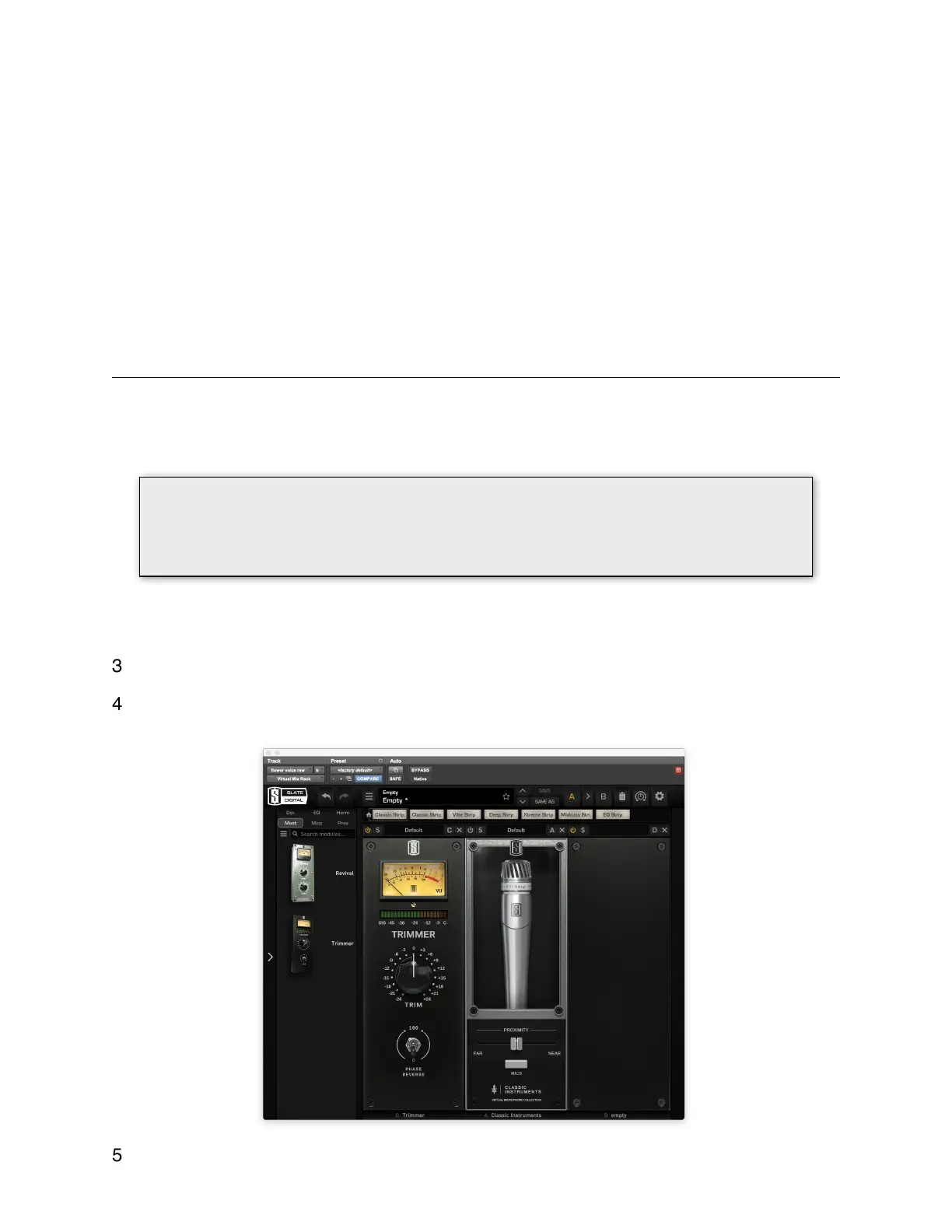
Insert the Virtual Mix Rack plugin on a record enabled track in your DAW.
Select a Virtual microphone and start recording!
Add the Classic Instruments Module first, Note: You can place TRIMMER before
Classic Instruments to monitor recording level, see “Optimal Recording Levels”.
First: Go to http://SlateDigital.com/redeem to redeem your Classic Instrument incenses.
You will need a physical iLok 2nd or 3rd gen.
Download the Virtual Mix Rack (VMR) installer from http://SlateDigital.com/Installers
!!! IMPORTANT !!!
When applying phantom power, be sure to always mute your monitors and
headphones to prevent damage to your hearing or equipment!


 To Next Page
 Loading...