Getting to Know the Mics
To learn more about the different Microphone models you can use with the ML-2, go to
https://slatedigital.com/ml-2-microphone/
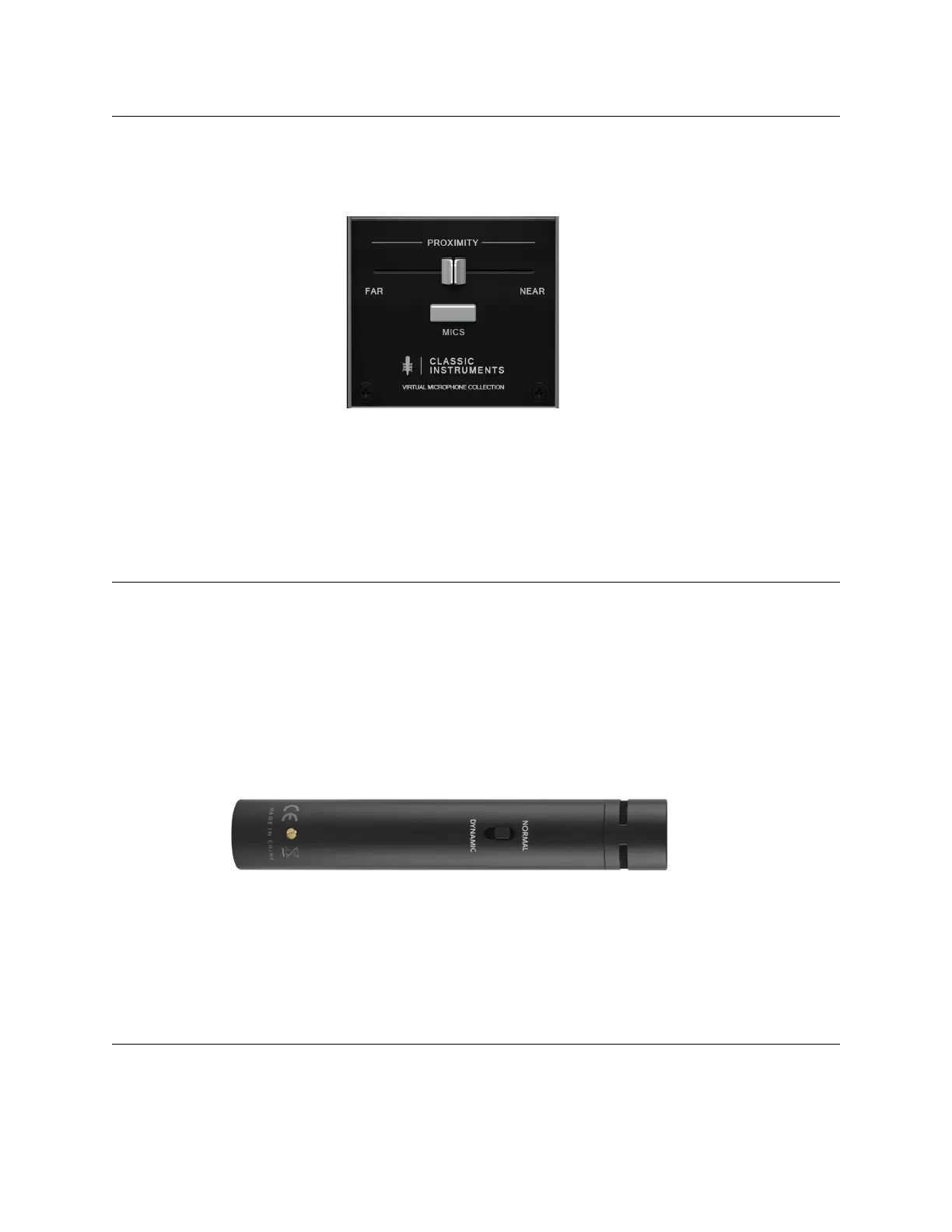
The Proximity Slider
Classic Instruments features a Proximity Control slider, which allows you to emulate the
proximity effect and virtually mimic moving the mic closer to further from the source. Moving the
mic closer to a source will add more low end and give a tighter sound, which moving it further
away will open up the sound more.
DYNAMIC Mode
The ML-2 featured a DYNAMIC Mode switch. This acts like a pad by re-polarizing the
capsule of the ML-2 to allow a higher MAX SPL, allowing you to avoid distortion to keep
the modeling the most accurate, and avoid unpleasant clipping that is difficult to repair.
This however, does not change the physical nature of the mic. It is a small diaphragm
condenser mic; it should not be manually handled to avoid noise and a pop-filter should
still be used for voice recording. Also, engaging this mode does increase the noise floor,
so it should only be used for very loud sources like drum shells.


 To Previous Page
 Loading...