PLEASE NOTE: To power the meter for measuring
DVB-T signals you will need to insert a 9V PP3
battery (see tting instructions below).
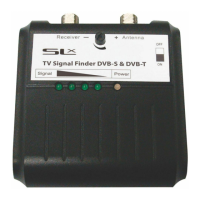
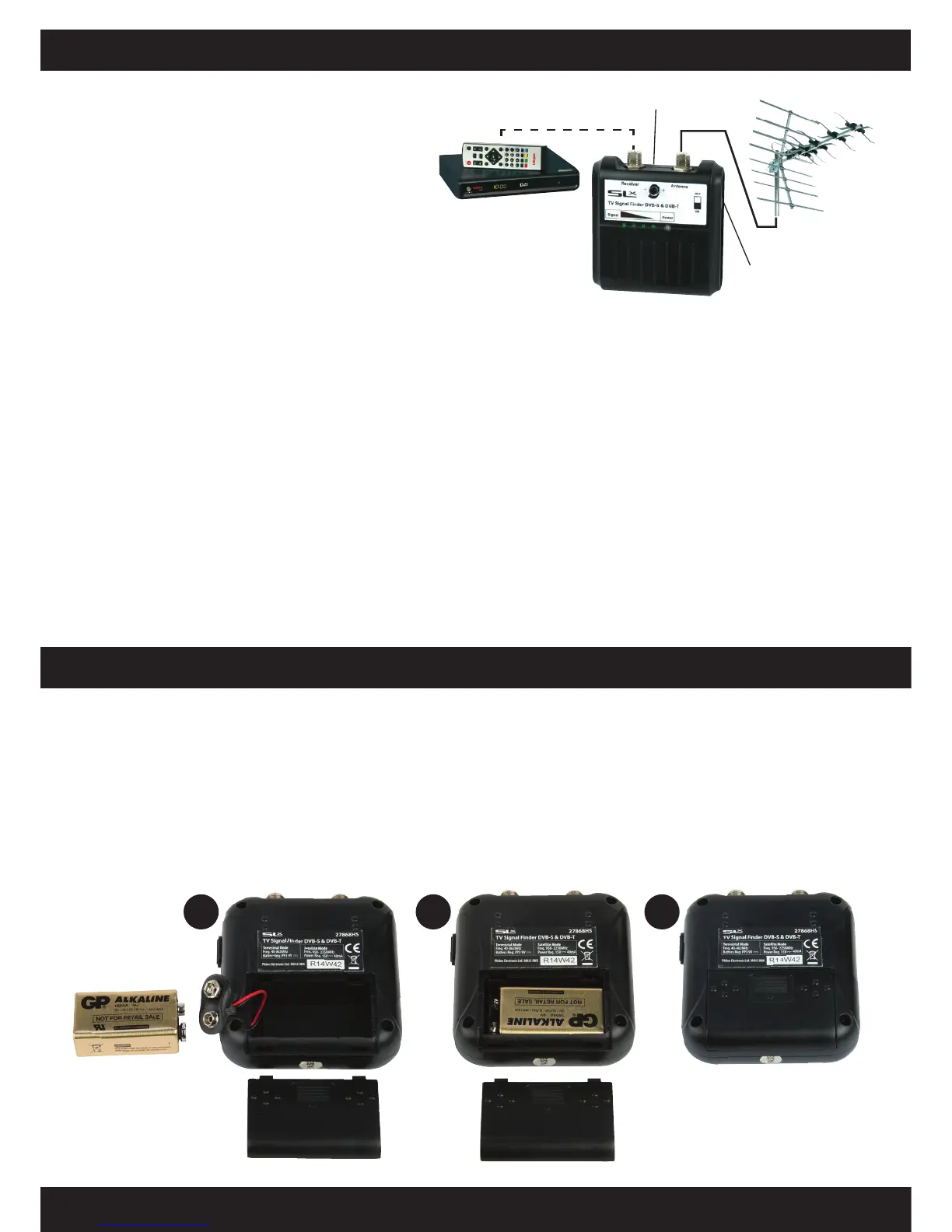
1. Connect a cable
†
from the UHF Digital
TV Aerial to the connection marked
antenna on the DVB-T/SAT Finder.
Optionally, to view and check the signal being
received, connect the DTV receiver or Digital
Freeview Box ANT. IN socket to the F connection
marked Receiver on the Finder
†
.
2. Slide the switch on the side of the Finder to the
TV position the green power indicator LED
should light up.
3. Turn the sensitivity control fully clockwise for
maximum sensitivity.
If at anytime all the LED indicators are lit you can
turn the sensitivity down for more accuracy.
4. As a starting position, point your aerial in the
same direction as your neighbours’ aerials or
alternatively use a compass bearing*.
Gradually rotate the aerial in a horizontal plane
to either side of your starting point until you
nd a position in which the most LED’s are lit
on the Finder.
5. If you nd more than one position giving high
signal levels select the one with widest zone
of signal strength and position the aerial in the
centre of this zone.
†
To connect cables to the meter you will need to use
F connectors (not supplied).
*To nd where your nearest transmitter is and the
channels
available locally visit:
http://www.digitaluk.co.uk
and ll in the coverage checker details. To nd out
your nearest transmitter’s distance and compass
tick the detailed view box.
A battery is only required when the meter is used
for detecting DVB-T signals. The nder uses a 9V
PP3 alkaline battery, to install the battery:
1. Slide the battery compartment cover open
(unclip and remove old battery, if applicable).
2. Line up the connecting studs with the correct
terminals on the battery and clip on.
3. Carefully t the battery, connecting wires and
studs into the battery compartment.
4. Slide the compartment cover back into
position making sure that connecting wires
are not trapped and that the cover is
locked securely.
Fitting the battery
Measuring DVB-T (digital Freeview™) Signals - continued
Sensitivity Control
TV Aerial
Satellite/DVB-T
Switch
Freeview™
Receiver
2 3 4
Customer Careline: 08457 573 479 (Local rate - UK Only) Technical Support: www.philex.com/support
Optional connection


 To Next Page
 Loading...