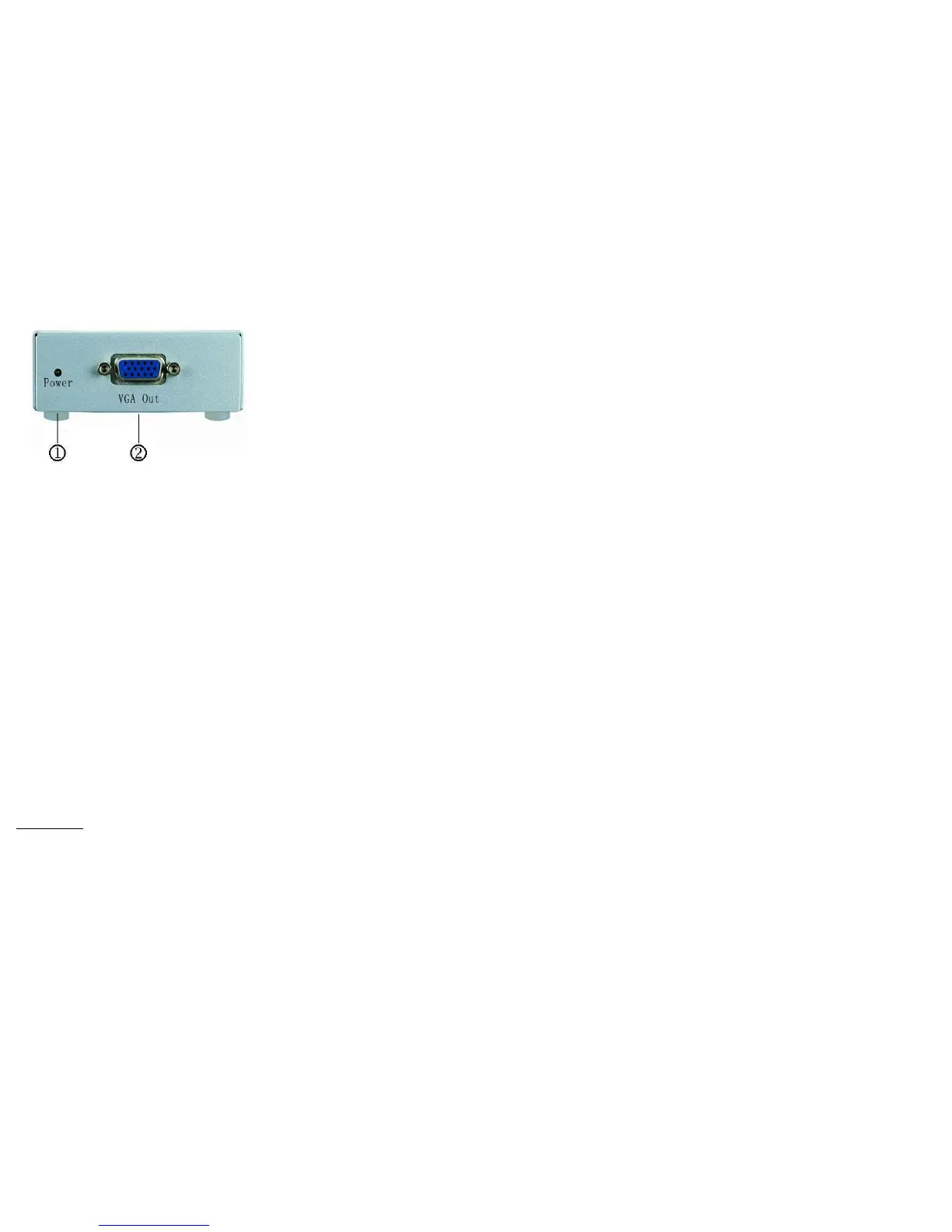
REAR VIEW
1. Power LED
2. “VGA Out” Port
Installation
1. Turn off the PC and monitor.
2. Connect the DVI male extension cable between the PC
and the “DVI In” port of DV-101.
3. Connect the VGA male extension cable between the
monitor and the “VGA Out” port of DV-101.
4. Connect the power cord and turn on the DV-101.
5. Turn on the PC and analog monitor or projector.
© C&C TECHNIC TAIWAN CO., LTD. All rights reserved.
Trademarks:
All the companies, brand names, and product names
referred to this manual are the trademarks or
registered trademarks belonging to their respective
companies.
-3-


 To Previous Page
 Loading...